Education is changing fast. Classrooms are no longer limited to four walls. Students attend lectures from different cities, teachers record sessions for later use, and institutions need systems that can handle both physical and online teaching together.
This is where the All in One Computer becomes important.
Trueview has introduced a complete solution that brings teaching, recording, collaboration, and device management into one system. With its hybrid classroom setup, schools, colleges, and training centers can deliver lectures live, record them, and share them across locations without using multiple devices.
Contents
- What is a Hybrid Classroom System?
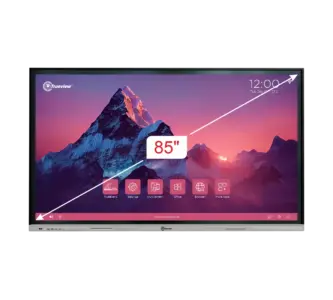
85 inch E-TrueBoard
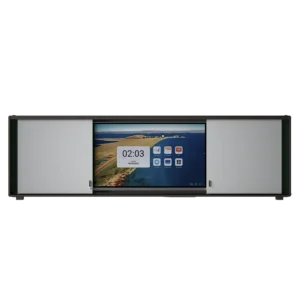

In this blog, we will explain how the Trueview All in One Computer works, how hybrid classrooms function, and why it is becoming a preferred choice for modern education. Keep reading!
What is a Hybrid Classroom System?
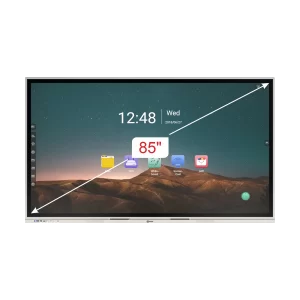
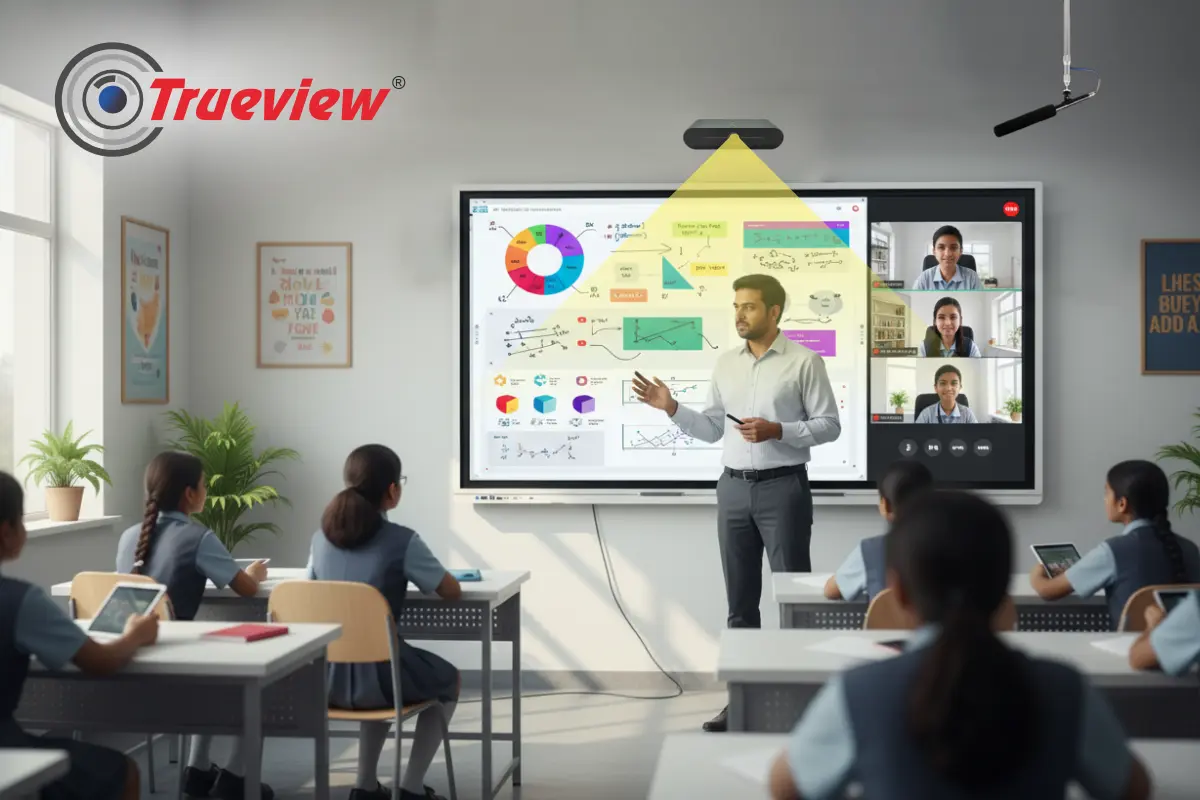
A hybrid classroom is a setup where teaching happens both offline and online at the same time.
- Students sit in the classroom
- Remote students join from other locations
- Teachers can record sessions
- Content can be shared instantly
Instead of using separate tools for video conferencing, recording, and teaching, everything is managed through one system.
This means one lecture can be:
- Delivered live
- Recorded for later
- Shared across campuses
Role of All in One Computer in Hybrid Classrooms
The All in One Computer acts as the central device in this setup.
It replaces:
- Traditional desktop computers
- Separate digital boards
- External teaching tools
- Recording systems
Everything runs through a single screen.
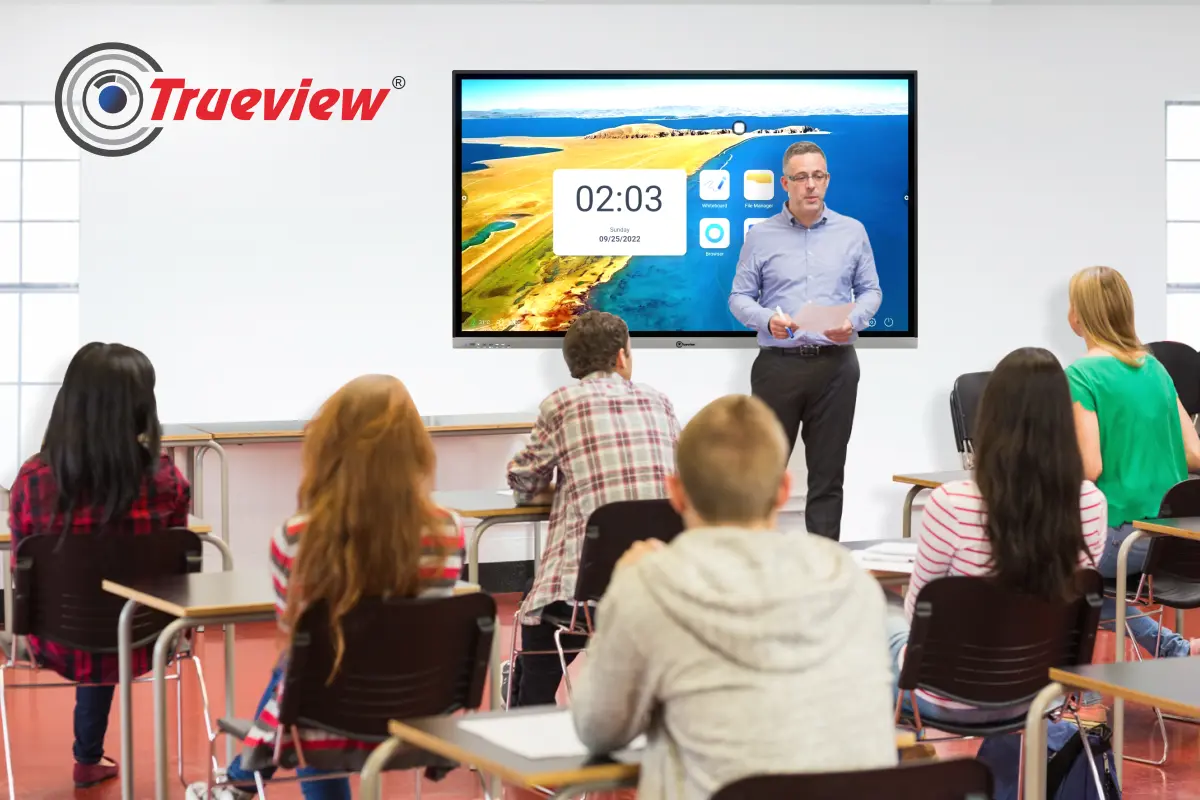
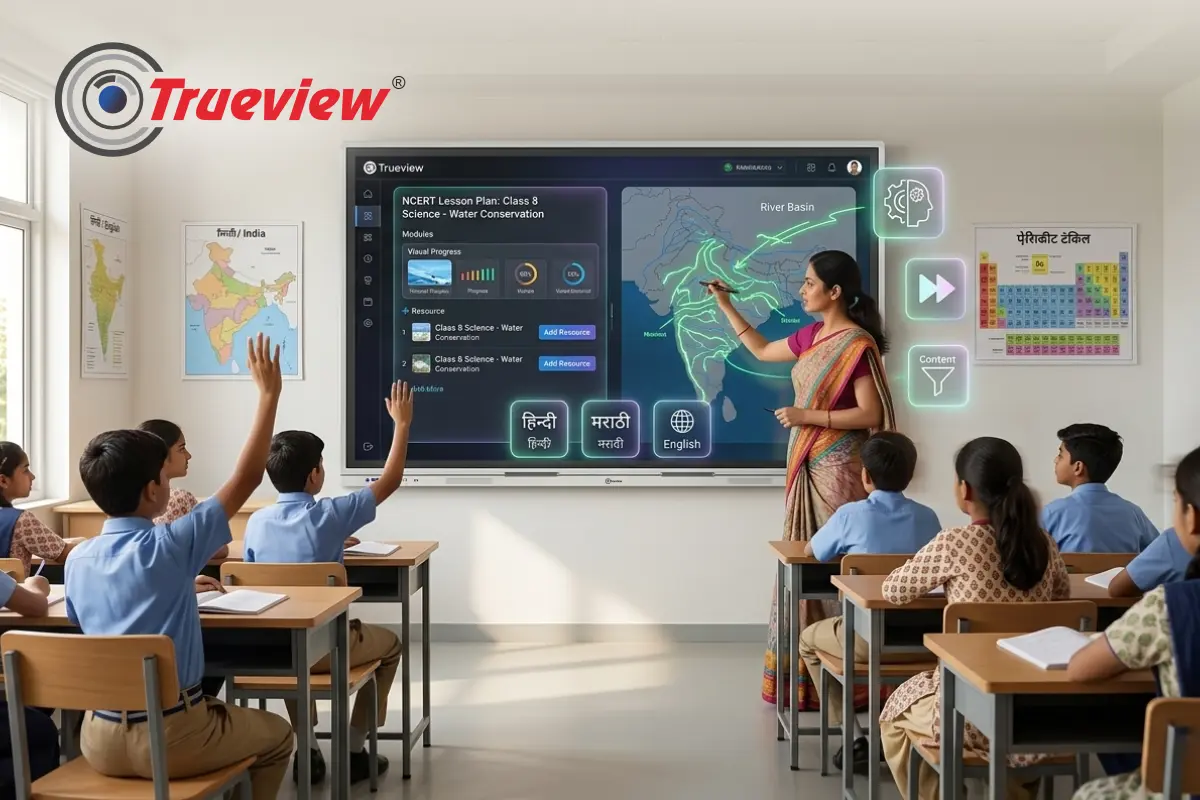
With Trueview, this system becomes a Digital Board for Classroom and also a complete teaching and collaboration hub.
Key Features of Trueview All in One Computer
Here are the important features that make this system ideal for hybrid classrooms:
1] High-Performance System
- Quad-Core and Octa-Core processor options
- Up to 16GB RAM and 256GB storage
- Smooth handling of teaching apps, videos, and recordings
This ensures there is no lag during live classes or recording sessions.
2] 4K UHD Display with Multi-Touch
- 4K UHD resolution
- Up to 40-point multi-touch
- Anti-glare screen
Teachers can write, draw, and interact easily. Students can clearly see content both in class and online.
This makes it a powerful Digital Board for Teaching.
3] Built-in Screen Recorder
One of the most important features for hybrid learning.
- Record lectures directly from the screen
- Save sessions for revision
- Share with students later
This removes the need for external recording tools.
4] Wireless Screen Sharing
- Supports up to 9 devices
- Students and teachers can share content instantly
This helps in:
- Group discussions
- Student presentations
- Collaborative learning
5] Smart Whiteboard with Palm Erase
- Infinite whiteboard
- Palm erase writing
- Smooth writing experience
Teachers can write naturally, like a traditional board, but with digital benefits.
6] Dual OS – Android + Windows
- Run Android apps for teaching
- Use Windows for advanced applications
This flexibility allows teachers to use any software they are comfortable with.
7] Built-in Speakers and Audio Support
- 2 x 20W speakers
- Clear audio for both classroom and online students
No need for external sound systems.
8] Durable and Long-Lasting Display
- 9H toughened glass
- 60,000 hours screen life
Suitable for daily classroom usage.
9] Bluetooth and Type-C Connectivity
- Easy device connection
- Fast data transfer
Helps connect cameras, microphones, and other accessories smoothly.
Hybrid Teaching with Trueview TrueCap System
The hybrid classroom solution is powered by Trueview’s lecture capture system.
What It Does:
- Records lectures automatically
- Streams sessions live
- Captures both teacher and content
- Supports local and remote viewing
It includes:
- AI-enabled recording
- Auto-tracking cameras
- Online control platform
This system makes it easy to manage hybrid teaching without manual effort.
How the Hybrid Classroom Works
The entire system works in a simple flow:
Step 1 – Teacher Conducts Class
The teacher uses the All in One Computer as a digital board for teaching to explain concepts, write notes, and interact with students.
Step 2 – The TrueCap System Captures Everything
The setup records:
- The teacher through a camera
- The screen content
- The audio
Step 3 – Live Broadcasting
Students from other locations join the session in real time and view the same content.
Step 4 – Recording is Saved
The lecture is automatically saved for future use.
Step 5 – Cross-City Learning
Multiple classrooms in different locations can connect and learn from the same teacher.
This ensures consistent learning across campuses.
Smart Classroom Software for Better Teaching
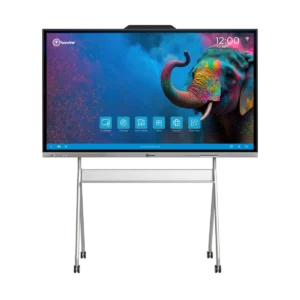
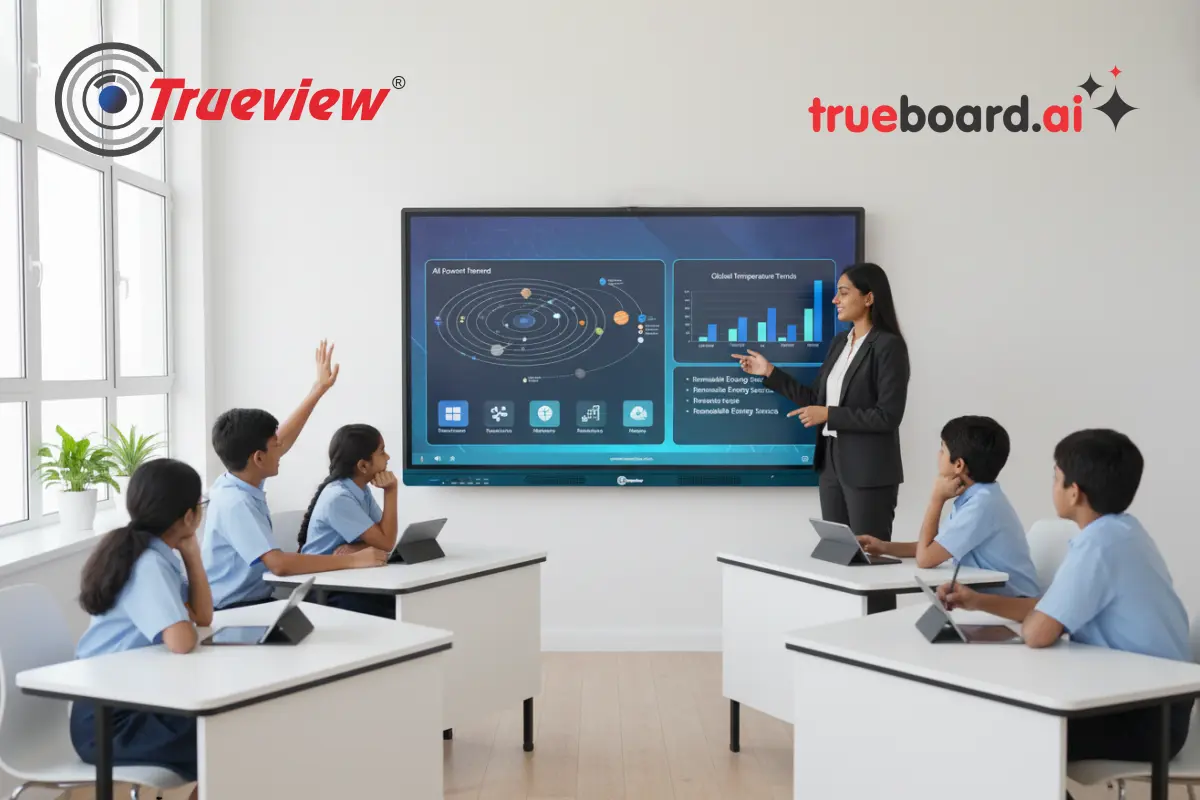
Our Trueboard provides Trueboard.ai, a built-in software that supports teaching and classroom interaction.
Content and Learning Tools
- 30,000+ 3D images and visual content
- Interactive periodic table
- eBooks for different grades
- Simulation videos
Teaching Tools
- Math tools
- Text editor
- Scientific calculator
- Drawing and annotation tools
AI-Based Features
- Image recognition
- Speech-to-text
- Text-to-speech
- Mind mapping
This turns the All in One Computer into a complete learning system.
Benefits of Trueview All in One Computer for Hybrid Classrooms
1] One System for Everything
No need for separate devices. One system handles teaching, recording, and sharing.
2] Live + Recorded Teaching
- Conduct live classes
- Record automatically
- Share instantly
Students can revisit lectures anytime.
3] Cross-City Learning
- Connect multiple campuses
- Deliver the same lecture everywhere
This helps institutions expand without increasing teaching load.
4] Better Student Engagement
- Interactive digital board for classroom
- Real-time participation
- Easy collaboration
Students stay involved and active.
5] Easy Setup and Use
- Simple interface
- Minimal training required
Teachers can start using it quickly.
6] Cost-Effective Solution
Instead of buying multiple systems, one All in One Computer covers everything.
Takeaway
Hybrid learning has become a practical need for modern education. Institutions require systems that can handle live teaching, lecture recording, and remote access without adding complexity for teachers. Trueview All in One Computer solves this by bringing everything into one screen.
It allows educators to teach in real time, record sessions automatically, and connect with students across different locations without switching between multiple devices. With built-in tools for collaboration, content sharing, and classroom management, it simplifies daily teaching while improving learning access for students.
For schools, colleges, and training centers planning to upgrade their classrooms, this solution offers a clear and efficient way to move into hybrid education.
About Trueview
Trueview is a well-established Indian technology brand that has been delivering advanced security and display solutions for over a decade. Founded in 2011 under Warner Electronics, our company has grown into one of the trusted names in India for CCTV systems, digital displays, and classroom technology.
Our brand focuses on creating products that are practical, reliable, and easy to use in real environments like schools, offices, retail spaces, and public infrastructure. Our product range includes All in One Computers, CCTV cameras, digital signage, video conferencing solutions, and more. Each product is built with a clear focus on performance and everyday usability.
Over the years, the company has introduced solutions like smart classroom systems, lecture capture technology, and AI-based educational tools. Our products are used by schools, colleges, corporates, and government organisations, helping them move toward smarter and more connected environments.
If you have any more questions or need assistance selecting the right hybrid model for your institution, feel free to contact us. Our team is always available to help you choose the best solution for your classrooms.