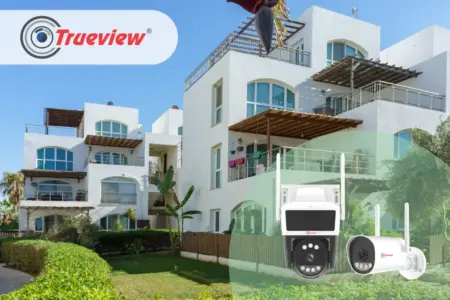
Planning an outdoor surveillance system is not simply about buying cameras and mounting them wherever there is a convenient wall. A property’s layout plays an important role in deciding where to install an Outdoor WiFi Camera.
Many home and business owners end up with coverage gaps. A camera pointed in the wrong direction or mounted at the wrong height, even a technically capable one, leaves parts of the property unwatched.
Once the bracket is installed and the power cord laid, it’s difficult to move it, and most people won’t want to, even if the coverage area isn’t quite right. The real driver of effective outdoor surveillance isn’t just which camera you choose. It’s how accurate placement strategy matches the property’s physical layout.
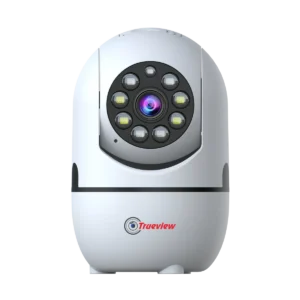
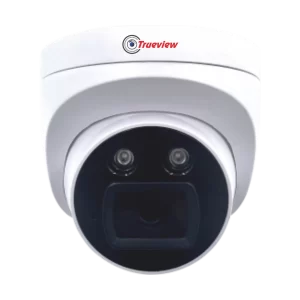
In this blog, we’ll explain how property layout can influence camera placement and how homeowners and businesses can plan an Outdoor WiFi Camera setup more effectively. Keep reading!
Why Property Layout Matters for Outdoor WiFi Camera Placement
Every property has a different security requirement. A compact house may mainly need coverage around the main entrance, driveway, and rear area.
A larger property may have multiple gates, parking zones, building exteriors, and boundary areas that require wider surveillance planning. Installing cameras without first understanding the layout can leave important areas uncovered.
The first step is to view the property as a whole, not each camera in isolation. Mark the following locations on a simple property layout:
- Main entrance and exit
- Secondary entrances
- Driveway
- Parking area
- Building exterior
- Covered entrances
- Boundary walls
- Side passages
- Outdoor storage areas
- Other locations where unusual activity needs to be monitored
Once you identify these areas, you can plan camera positions based on their importance and connectivity needs.
A Practical Planning Guide for Outdoor WiFi Camera Placement
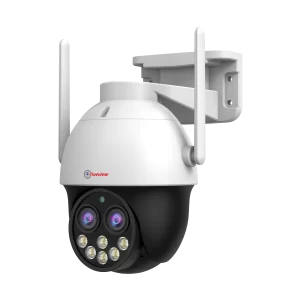
Choosing the right location is as crucial as the proper selection of the camera itself. A well-planned setup helps to cover key areas, reduce blind spots, and ensure reliable monitoring where it matters most.
1] Begin with Main Entry and Exit Points
The main entrance is a key location for an Outdoor WiFi Camera, so placement should focus on the approach area as well as the entry or exit point.
- Main Entrance: Position the camera to monitor the entrance, exit, and surrounding approach area.
- Approach Area: Ensure that the camera captures useful activity leading toward the property, rather than focusing only on the door or gate.
- Residential Coverage: For homes, consider covering the front gate, driveway, and approach area.
- Commercial Coverage: For shops and commercial properties, monitor the external entrance and the area immediately outside the premises.
- Activity Visibility: Identify the activity that needs to be monitored before deciding where to mount the camera.
- Blind Spots: Choose a suitable position to reduce unnecessary blind spots and make recorded footage more useful when reviewing an incident.
2] Plan Camera Positions Around Driveways and Parking Areas
Parking areas often include vehicles, visitors, delivery activity, and movement at different times of day. They are therefore another important consideration when planning an outdoor surveillance system.
A Wireless WiFi Camera can be useful for parking locations where electrical power is available but installing a network cable is inconvenient. Trueview’s outdoor WiFi approach is intended for locations within the property’s WiFi range, including parking areas.
When planning placement, consider:
- The direction that vehicles enter
- The path pedestrians take after parking their car
- Blind spots that may be created by walls or buildings
- Whether one camera can provide good visibility or whether several cameras are required
- Whether the selected mounting point remains within reliable WiFi coverage
Avoid placing a camera directly behind obstacles that could block the parking area. The main goal is to align the camera mount with the property layout.
3] Use Boundary Walls Carefully
Boundary walls can help in perimeter surveillance, but the placement of cameras will be reliant on the layout of the property and the connectivity.
- Perimeter Coverage: Monitor key areas along the property boundary.
- Strategic Placement: Consider gates, corners, buildings, and open spaces when positioning cameras.
- Large Properties: Use multiple exterior positions for more effective coverage.
- WiFi Coverage: Place Outdoor WiFi Cameras where suitable WiFi connectivity is available.
- Solar Options: The compatible solar panel is paired with the WiFi camera to create a Solar Power Hub.
- Property Layout: The property size, connectivity, and power availability tend to guide the camera placement.
4] Consider the Difference Between Open and Covered Areas
Outdoor areas are not all exposed to the same conditions. A covered entrance
and an open parking area may have different mounting considerations.
Trueview Outdoor WiFi Cameras are described as weatherproof, with IP66 protection and lightning protection for outdoor conditions. Even with weather protection, the mounting location should be selected thoughtfully.
Avoid positions where:
- The camera view is blocked by permanent structures
- Places where water may collect around the installation site
- Objects near the installation position which may provide unnecessary blind spots
- The camera is positioned where it can easily be obstructed
- WiFi coverage is weak or unreliable
Good placement combines the camera’s outdoor suitability with the physical conditions of the property.
5] Keep WiFi Coverage in the Camera Plan
Wireless connectivity is an important consideration when installing a Wireless WiFi Camera, especially outdoors.
- WiFi Range: Check the WiFi signal during camera installation.
- Viewing Angle: Choose a position that offers good visibility while maintaining reliable WiFi connectivity.
- Signal Check: Check the WiFi signal availability while installing the camera.
- Obstructions: Walls, buildings, and distance from the router should be kept in mind for good connectivity.
- Right Solution: Choose the surveillance solution based on the property’s power and connectivity conditions.
Choose a WiFi Bullet Camera for Focused Outdoor Coverage
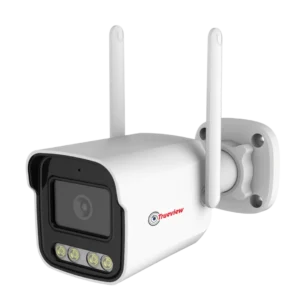
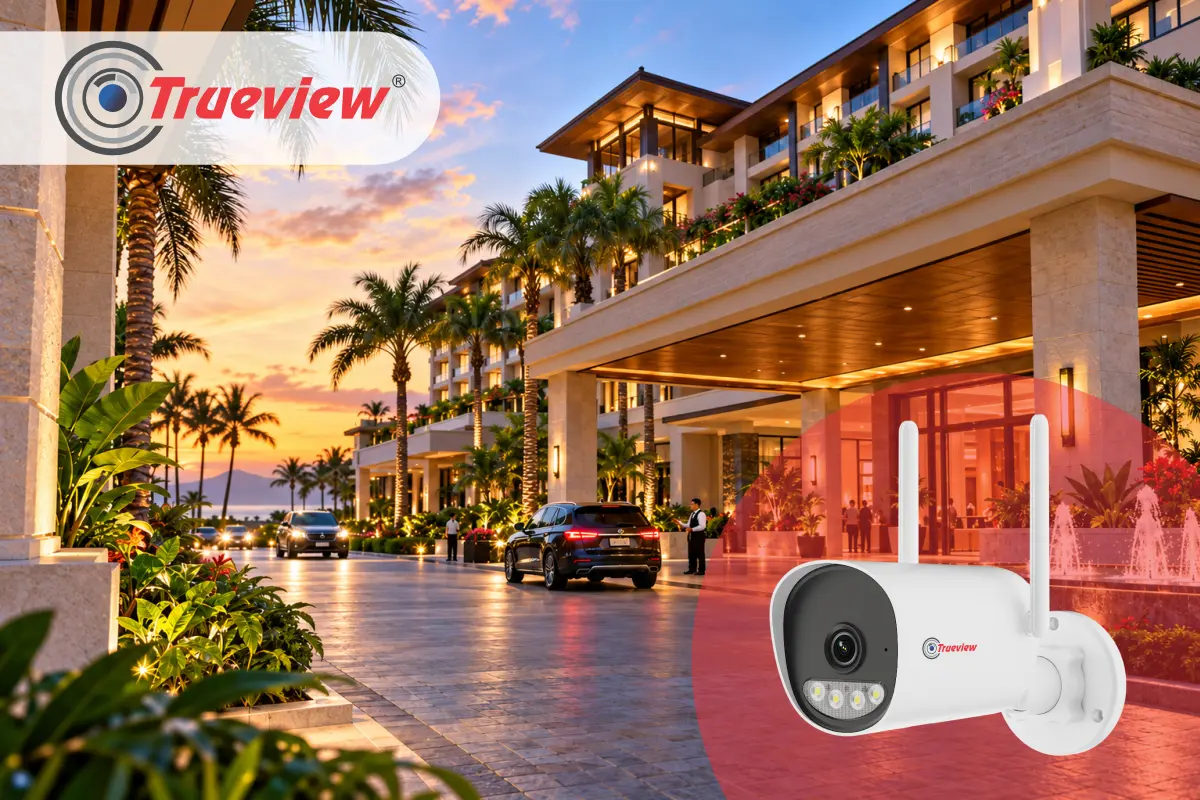
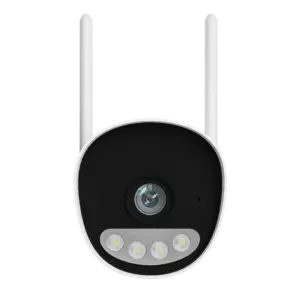
A WiFi Bullet Camera can be a practical choice for outdoor areas that need focused, directional coverage.
- Focused Coverage: Suitable for outdoor positions where monitoring in a particular direction is required.
- Front Gate: Can help monitor the gate and the approach area leading to the property.
- Driveway: Useful when the driveway requires coverage along a specific direction.
- Side Passage: Can be considered for narrow outdoor passages that need focused monitoring.
- Parking Entrance: Suitable for monitoring vehicle movement along an approach route.
- Right Placement: Position the camera according to the movement pattern, viewing area, and installation conditions.
- Model Selection: Check the exact Trueview model and specifications before installation.
Takeaway
Placement is the part of outdoor surveillance that most property owners underplan. You can have a good camera and still end up with gaps in your coverage if the position doesn’t match your property’s actual layout.
Start by understanding your layout: its entry points, natural blind spots, and WiFi coverage zones. Then work backward from there to decide where each outdoor WiFi camera should go.
Trueview offers a range of Wireless WiFi Cameras, including the WiFi bullet camera lineup, giving you the flexibility to cover any layout without running complicated wiring or installing extra infrastructure.
With all-time color vision, IP66 weatherproofing, smart human detection, and remote monitoring through the True Cloud App. Trueview outdoor cameras are built for the practical demands of Indian homes and businesses across all property types.
With the right planning, Trueview helps make outdoor surveillance easier to deploy, monitor, and adapt to the needs of the property.
About Trueview

Trueview is a popular Indian technology brand offering solutions across surveillance, display technology, education, and commercial applications. Our wide range includes CCTV Cameras, WiFi Cameras, 4G Cameras, cloud recording solutions, digital signage solutions, commercial displays, video walls, Trueboard, and other technology solutions.
Our Outdoor WiFi Cameras are designed for locations where wireless connectivity can reduce the need for network cabling. We also provide solutions for locations where conventional power and network infrastructure may be difficult to provide.
Whether you need an independent home, commercial property, warehouse, school, or other outdoor environment, Trueview provides technology designed to support dependable, practical security planning.
If you have any more questions or need help choosing the right Outdoor WiFi Camera or planning camera placement for your property, feel free to contact us.