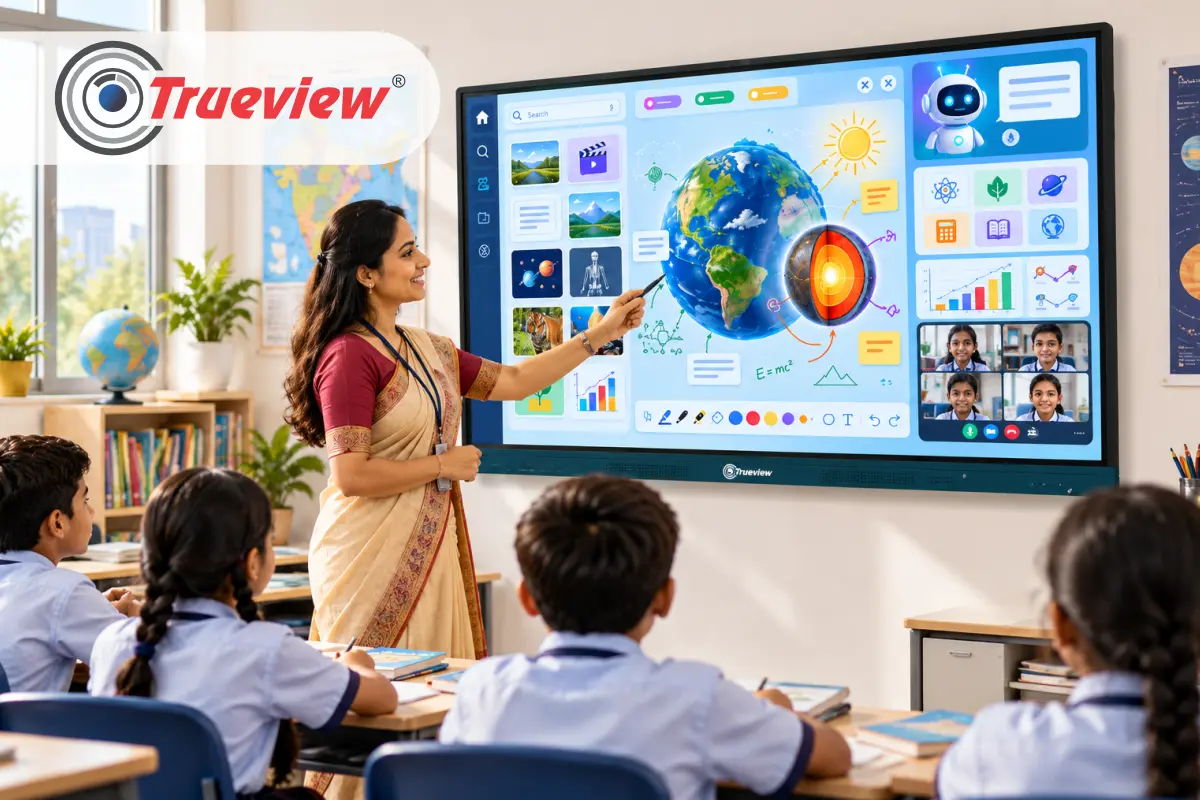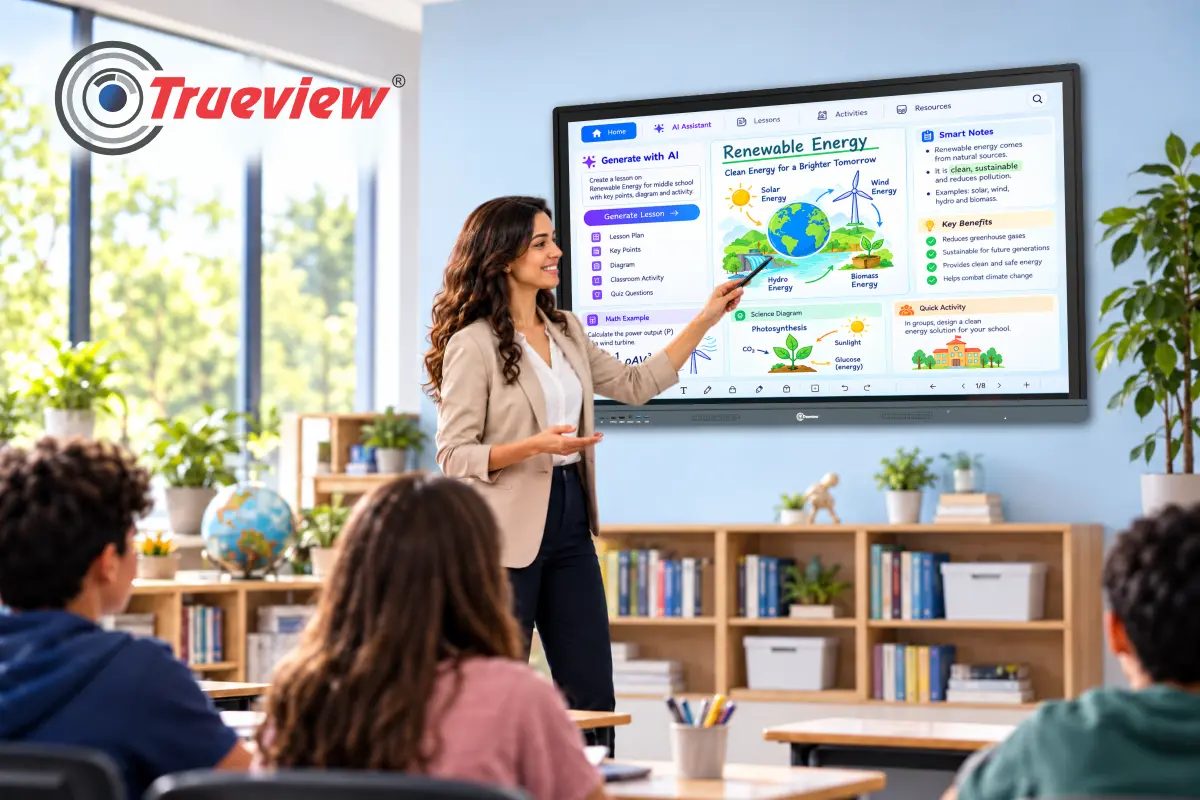
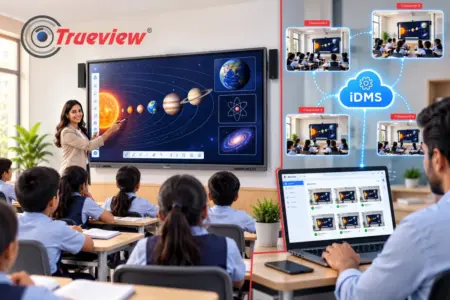
Modern classrooms are becoming more connected, interactive, and technology-driven. Teachers need to explain concepts through videos, digital resources, visual content, presentations, simulations, and other teaching tools in a single lesson. A Digital Board for Classroom brings these activities together on one large digital platform, helping teachers make lessons more visual and engaging.
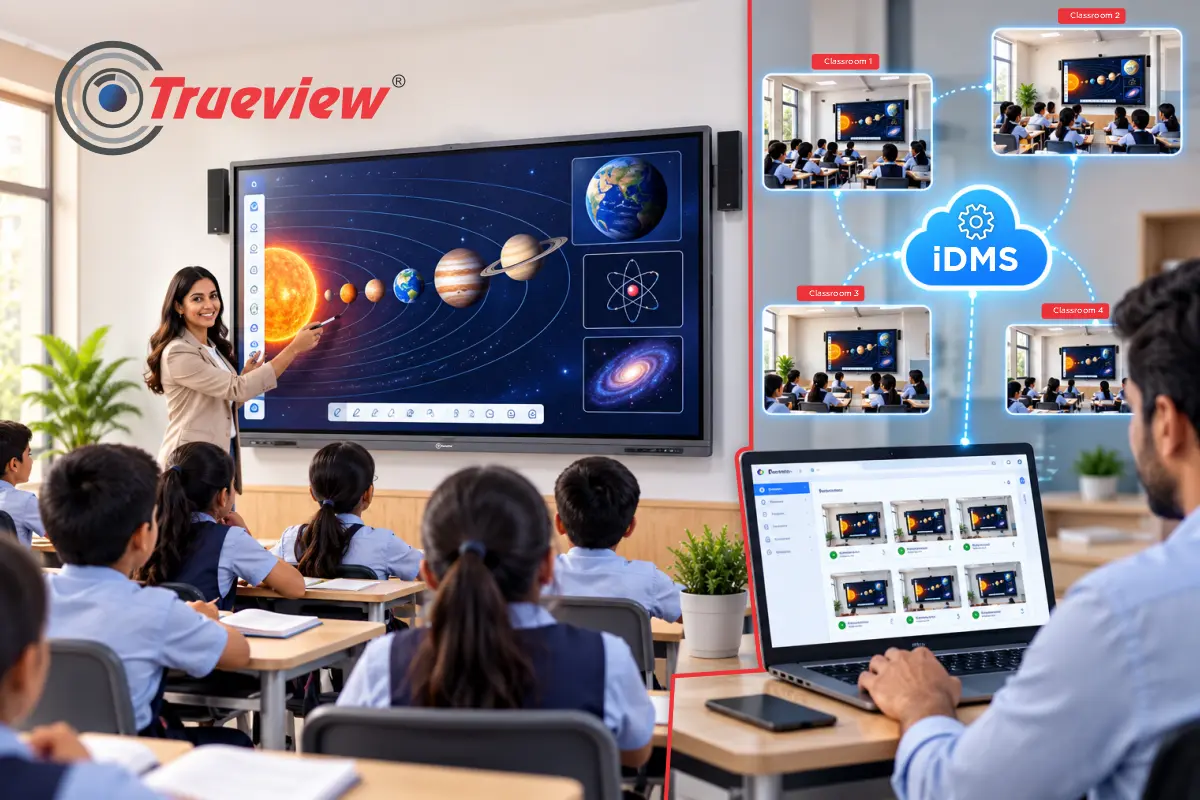
Trueview combines digital classroom technology with solutions that help institutions manage devices remotely. Our Interactive Device Management System lets you remotely control and monitor compatible display devices across locations. It supports real-time screen viewing, application management, parameter control, power management, screen locking, usage reporting, and alerts.
In this blog, we will tell you why Trueview Digital Board for Classroom with remote device management is ideal for future learning. Keep reading!
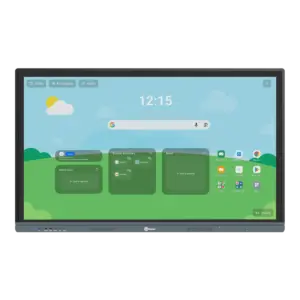
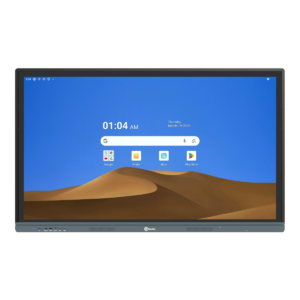
Why Choose a Digital Board for Classroom?
A Digital Board for Classroom brings teaching, digital content, and interactive learning tools together on one display, helping teachers create more engaging and visually rich lessons.
1] All-in-One Classroom Solution
- Reduces the need for multiple classroom devices such as projectors, computers, and speakers.
- Allows teachers to access and display digital teaching resources from one screen.
- Makes classroom technology easier to manage.
2] Make Lessons More Visual
- Display diagrams, presentations, educational videos, images, and digital learning materials.
- Helps students understand complex concepts through visual explanations.
- Make lessons more interactive and engaging.
3] AI-Powered Teaching Tools
- Trueview Trueboard.ai provides access to AI-enabled educational tools.
- Supports features such as AI chat, OCR, teaching aids, and content creation.
- Enables teachers to incorporate AI in everyday classroom activities
4] Supports Different Subjects and Teaching Styles
- Trueboard is a Smart Digital Board that is useful for subjects that benefit from visual explanations and digital resources.
- Teachers adapt lessons to their preferred teaching methods.
- Enables a combination of presentations, videos, diagrams, and interactive content.
5] Simplifies Everyday Teaching
- Reduces the need to switch between different classroom equipment.
- Keeps teaching resources accessible from a central digital display.
- Makes technology an integrated part of the classroom rather than an additional setup.
A Smart Board for Classroom Designed for Modern Teaching
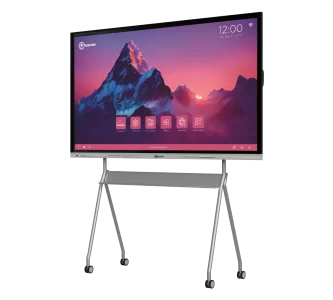
A Smart Board for Classroom turns the classroom into a more interactive and visually engaging learning environment. With Trueview smart classroom solutions and Trueboard.ai, teachers access digital content, AI-powered tools, and teaching resources from a central display.
1] Interactive and Visual Teaching
- Teach lessons using videos, pictures, drawings, presentations, and other forms of digital media.
- Explain complex topics via visual content and interactive elements.
- Keep students engaged with a more dynamic teaching experience.
2] AI-Enabled Learning Tools
- Use Trueboard.ai as an AI-enabled learning hub.
- Access AI-powered tools, teaching aids, content creation features, etc.
- Help teachers prepare and deliver lessons more efficiently.
3] Wide Range of Educational Content
- Access STEM videos, 3D images, icons, subject-specific resources, etc.
- Use content-based simulations to make difficult concepts easier to understand.
- Bring different types of digital learning material into one classroom setup.
4] Useful Classroom Features
- Teachers use OCR to work with text and digital content.
- Reduce the need to switch between multiple devices and teaching resources.
5] Designed for Modern Classrooms
- Support different subjects, lesson formats, and teaching styles.
- Give teachers a central platform to present and interact with content.
- Help schools create a more connected and technology-enabled learning environment.
What is TrueDMS (iDMS) and What Does It Do?
TrueDMS stands for Interactive Device Management System. It is a device management platform for TrueBoard panels. It does not create lessons or manage teaching content. Its job is to help administrators look after the devices.
From the TrueDMS panel, an administrator can:
- View the screen in real time, control it remotely, and take screenshots.
- Enable, disable, run, or uninstall applications.
- Adjust brightness, volume, input source, and language.
- Turn devices on or off, restart them, or switch the display on or off.
- Lock and unlock screens, and set a screen lock.
- Send alerts and notifications to a single device or a group of devices.
- Check device-level usage history and reports.
Private Server Integration
TrueDMS also supports private server integration, which helps schools that want better control over their data. If your institution has strict data policies, this is worth discussing with the Trueview team during planning.
Who Gets the Most Value From TrueDMS?
Any school with more than a few boards gains from remote management, but some setups gain more than others.
1] Multi-Building Schools and Campuses
When Smart Digital Boards span blocks or floors, remote control saves the most time spent walking and waiting.
2] Coaching Institutes with Several Branches
Institutes with centers in different cities monitor devices at all locations from one panel. It reduces the need for local technical staff at every branch.
3] Colleges and Universities
Large lecture halls and departments often have many panels with different usage patterns. Usage history and reports help administrators see how devices are being used.
What to Check Before You Buy a Digital Board for Classroom
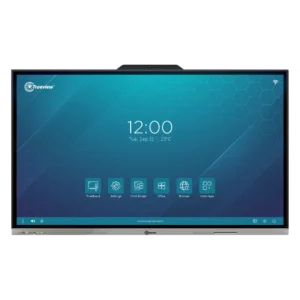
A smart board is a multi-year decision. These checks help you choose the right device.
1] Match the Size to the Room
Choose the Smart Digital Board size based on classroom dimensions, viewing distance, student strength, and more. A suitable screen size ensures students clearly see text, images, educational content, etc. from the back of the room.
2] Test the Writing Experience
Ask for a live demo. Let a teacher write for ten minutes with the same pen they would use every day.
3] Check the Software and the Management Layer
Look at the teaching tools, and also ask how the boards will be managed once there are many of them. That is where TrueDMS makes a difference.
4] Plan for Add-ons
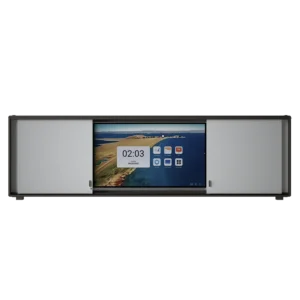
Trueview Smart Board for Classroom modules include Windows-based computing built into the panel, while an optional sliding shutter board provides a convenient physical writing surface.
5] Think About Growth
Choose a system that works for one classroom today and can grow to many classrooms or campuses later.
Takeaway
Trueview Digital Board for Classroom has become an important part of modern teaching by bringing digital content, visual learning resources, presentations, videos, and classroom tools together on one central display. For educators, it makes lessons more visual and flexible; for students, it can make classroom concepts easier to understand.
We combine digital classroom technology with an ecosystem of education-focused solutions. Trueboard.ai supports AI-enabled learning resources and teaching tools that support student participation and hybrid learning requirements.
TrueDMS remote device management helps manage multiple compatible classroom displays. Key features include remote screen viewing, application management, parameter control, power management, screen locking, usage reports, and alerts.
For schools and educational institutions looking for a practical, scalable, connected approach to digital learning, a Trueview Smart Board for Classroom fits into a broader technology strategy.
Choose us for a reliable and future-ready approach to classroom technology.
About Trueview
Trueview is the top-rated Indian technology brand focused on display solutions, surveillance solutions, educational technology, and commercial technology applications. We develop practical technology solutions designed to support the changing needs of schools, businesses, institutions, and other organisations.
Our wide range of display solutions includes a digital classroom solution designed to support modern educational environments. With Trueboard.ai, we aim to help educators bring digital resources, AI-enabled learning tools, visual content, and interactive teaching activities into the classroom.
Beyond education, we provide surveillance and commercial display applications. Our focus is on building solutions that are reliable, scalable, and practical for real-world use. We understand that technology needs to work not only at the individual level but also at larger deployments.
If you have any more questions and need help choosing the right Digital Board for Classroom and remote management setup, feel free to contact us. Our team is always happy to help you out!