Teaching is changing as classrooms move from traditional blackboards and static presentations to more interactive digital learning. A modern Digital Board for Teaching helps educators explain concepts visually, use subject resources, create lessons, and engage students more actively in classroom activities.
Trueview Smart Digital Board is more than a large display. It supports the teacher throughout the lesson, from preparation and presentation to interaction and explanation. Our education-focused display solutions combine an intuitive user interface with teaching resources, writing tools, hand gestures, customisable content, document camera functionality, and a built-in lecture and lesson creator.
In this blog, we will show you how the Digital Board for Teaching supports AI-powered lesson creation and how the Trueview Digital Smart Board for Education supports every stage of learning. Keep reading!
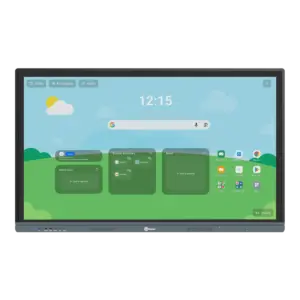
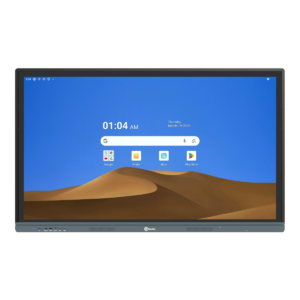
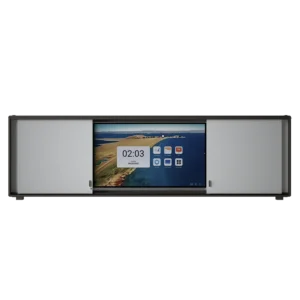
Why a Digital Board for Teaching Matters in Modern Classrooms
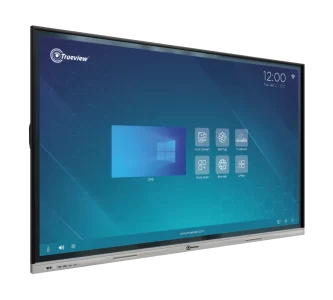
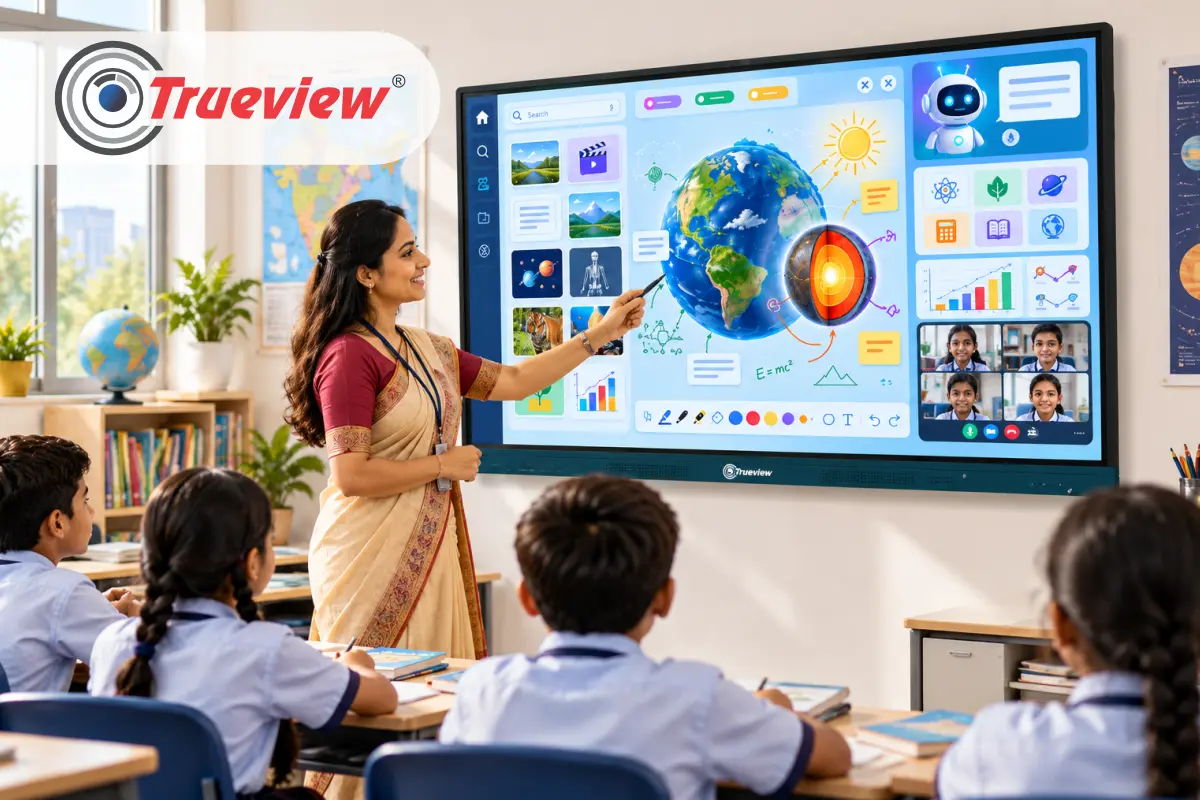
A Digital Board for Teaching makes everyday lessons more visual, interactive, and easier to manage. Trueview combines display technology with practical classroom features. It lets teachers explain concepts, access resources, and interact with content from a centralized screen.
1] Make Lessons More Visual
- Display written explanations, diagrams, videos, presentations, and subject resources on one screen.
- Help students understand concepts through visual and interactive content.
- Create a more engaging classroom experience.
2] Teach From One Central Workspace
- Reduce the need to switch between multiple classroom devices.
- Move between pages, resources, and digital activities during a lesson.
- Keep teaching content accessible from the Smart Digital Board.
3] Explore Built-In Teaching Resources
- Access abundant educational resources and subject-specific tools.
- Customise content according to lesson requirements.
- Use digital activities to support different teaching methods.
4] Write and Annotate Naturally
- Use digital writing tools to explain concepts directly on the screen.
- Navigate pages using page-roaming features.
- Use hand gestures and interactive controls to make lessons easier to deliver.
5] Bring Physical Content Into Digital Lessons
- Use the embedded document camera function to display physical documents and learning materials.
- Explain books, worksheets, diagrams, or other physical resources to the entire class.
- Combine physical and digital teaching materials in one lesson.
6] Designed to Support Teachers
- Make classroom technology part of everyday teaching, not an extra device to manage.
- Give teachers practical tools to explain, annotate, present, and interact with content.
- Create a more connected and flexible learning environment.
What the Best Digital Board for Teaching Should Include
Before looking at features one by one, it helps to know what to look for. A strong digital board should cover the following:
- A smooth, reliable writing experience for daily teaching.
- Built-in AI tools that help with lesson preparation.
- Ready classroom resources, so teachers don’t have to search the internet for every topic.
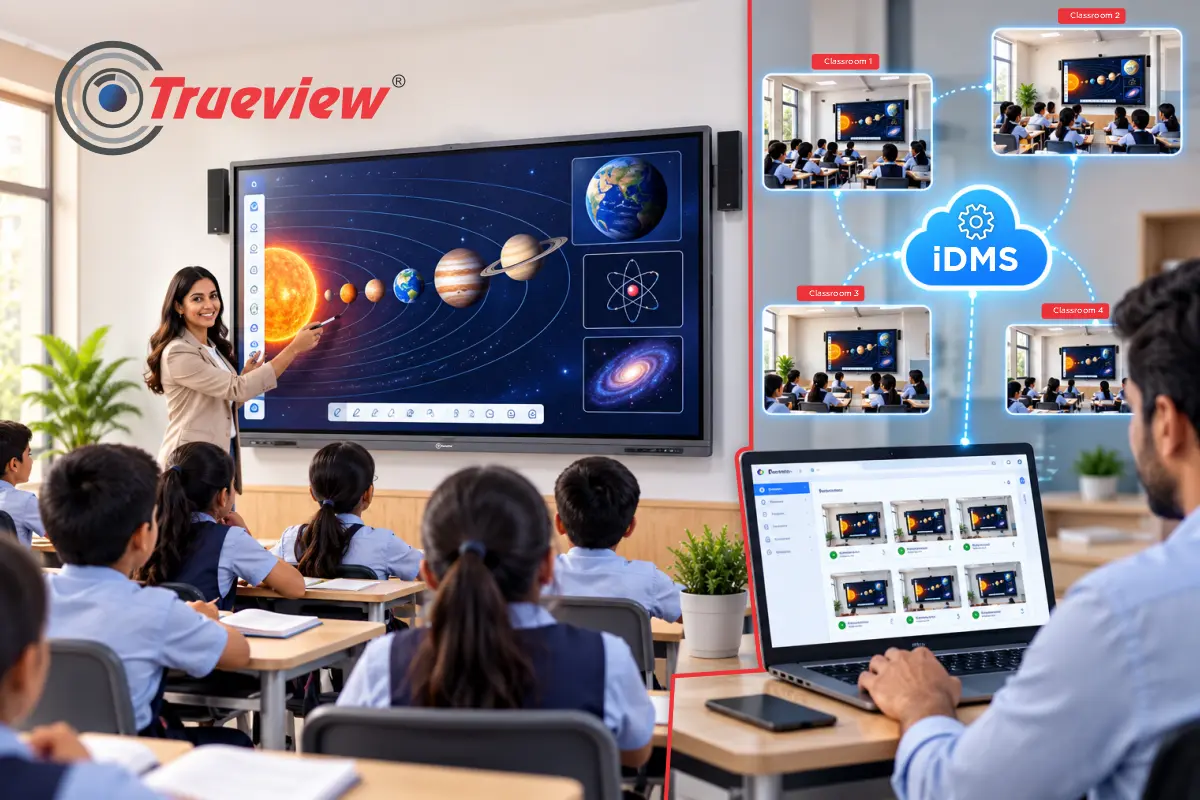
- Easy management, so the school’s IT team can look after many boards.
Trueview TrueBoard is built around these needs. The hardware supports teaching, and Trueboard.ai handles much of the preparation.
Before Class – Lesson Creation with Trueboard.ai
A Digital Board for Teaching helps educators plan, explain, and deliver lessons interactively. Trueview combines smart display technology with AI-powered tools to simplify everyday teaching.
1] Starting a Lesson Plan without a Blank Page
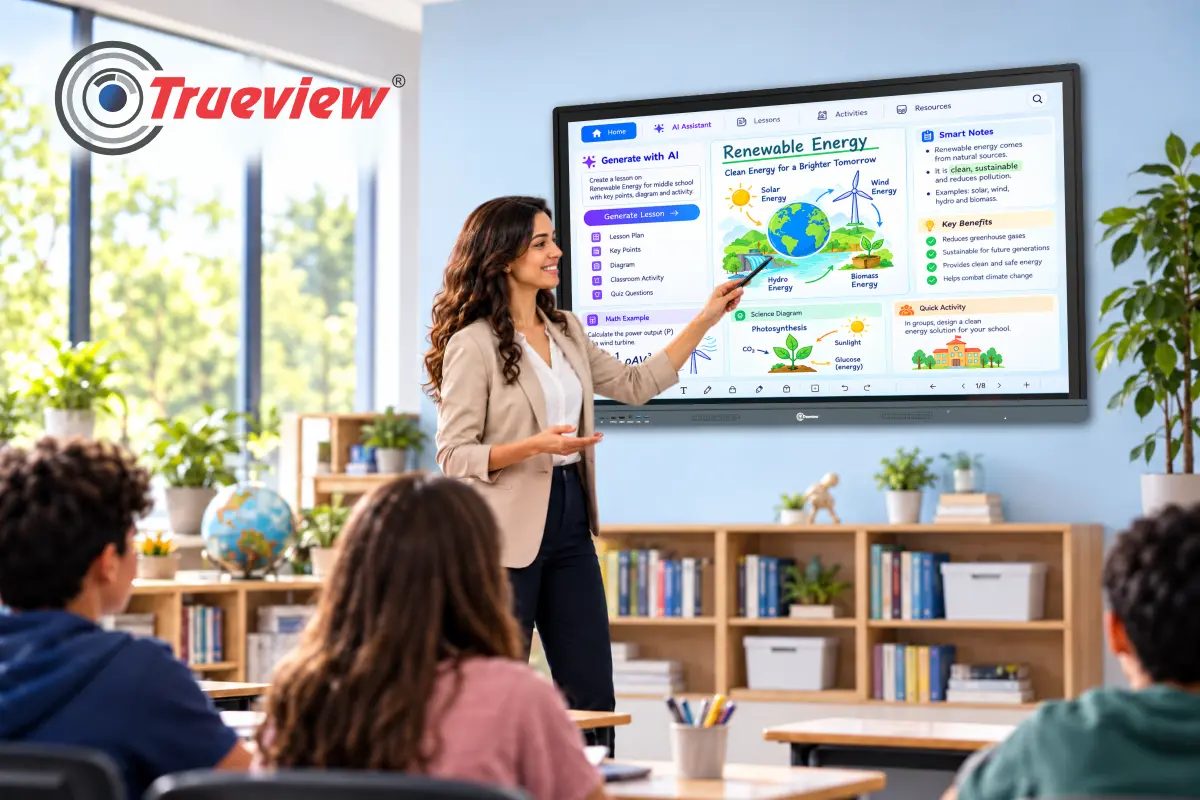
- Trueboard.ai includes AI lesson planning. A teacher can describe the topic and grade, and the tool helps create a starting lesson plan.
- The teacher then edits it, keeps what works, and removes what does not.
- AI here is a starting draft. The teacher still decides how the lesson runs, what examples to use, and how fast to move.
- The board saves the first hour of planning, not the teacher’s judgment.
2] Using AI Chat for Quick Support
- Trueboard.ai also offers AI chat. Teachers can use it to look up explanations, ask for simpler ways to explain a concept, or gather activity ideas.
- It works like a quick assistant inside the Digital Board for Teaching, so teachers don’t need to leave the lesson screen and open another device.
3] Worksheets, Quizzes, and Rubrics in Minutes
- AI Worksheet Generation: Helps create quality worksheets that take time if prepared manually, especially when teachers want different difficulty levels. Trueboard.ai supports AI worksheet creation; teachers create practice material for a specific topic and then adapt it to their class.
- AI Quiz Creation: Quick quizzes help teachers check understanding before moving on. With AI quiz creation, a teacher can prepare chapter questions in far less time than writing each one by hand.
- AI Rubric Creation: Rubrics make marking clearer for both teachers and students. It helps teachers set out marking criteria for projects, presentations, and written work. It is especially useful in schools that want consistent marking across sections.
4] Resources Already Inside the Board
- Interactive Simulations: Interactive simulations help in science and math classes. A moving picture explains more than a static diagram.
- E-books and Math Tools: Trueboard.ai also provides access to e-books up to Class 10 and math tools. For a Smart Board for Education, this saves teachers from carrying books, charts, and models into every room.
5] During Class – Tools that Keep the Lesson Moving
- OCR for Handwriting: Teachers write on the board all day. OCR turns handwritten content into text, making it easier to save, edit, share notes after class, and more.
- Speech-to-text and Text-to-speech: Speech-to-text lets a teacher speak and see words appear on screen. Text-to-speech reads written content aloud. It supports both types of learners who learn better by listening and reduces typing during lessons.
Choosing the Right Digital Board for Teaching
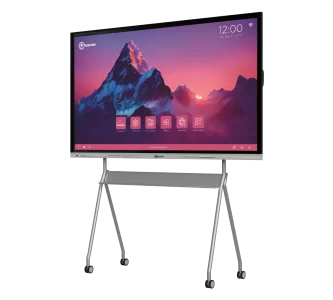
Schools look beyond screen size while selecting a Digital Board for Teaching. Evaluate the technology on the basis of its efficiency in assisting teachers and students.
Important Considerations Include:
- Teaching and Writing Tools: Teachers have practical tools for writing, annotation, classroom interaction, and more.
- Content Resources: Access to subject tools, visual resources, simulations, and other educational material improves lesson delivery.
- Lesson Creation: A built-in lecture and lesson creator can help teachers prepare and organise classroom content.
- AI Capabilities: AI lesson planning, AI content creation, worksheet generation, quiz creation, AI chat, OCR, and related tools can add value to lesson preparation and delivery.
- Ease of Use: An intuitive interface matters because teachers should focus on teaching, not learning complicated software.
- Classroom Flexibility: The board should support different subjects, teaching styles, age groups, and learning activities.
Trueview education-focused display solutions address these areas through interactive display features, classroom resources, lesson-creation tools, and the Trueboard.ai ecosystem.
Takeaway
Trueview provides the Best Digital Board for teaching, doing more than just displaying information. It helps teachers prepare lessons, explain concepts, use visual resources, interact with students, and make classroom sessions more engaging.
With Trueboard.ai, teachers access AI-powered capabilities including lesson planning, worksheet generation, quiz creation, rubric creation, AI content creation, OCR, AI chat, simulations, educational resources, and other classroom tools. These features help educators spend less time on repetitive preparation and more time teaching and interacting with students.
For schools, colleges, training environments, and other educational institutions, a Smart Digital Board has become a central part of a modern classroom when its hardware and software are designed to work together. We are committed to creating practical, scalable, easy-to-use education technology that supports teachers rather than replacing them.
If you are looking for a Smart Board for Education that combines digital teaching with AI-enabled classroom tools, we offer a technology-led approach built around real teaching needs.
About Trueview

Trueview is the leading Indian technology brand providing solutions. Our product range covers display solutions, surveillance solutions, educational technology, and more, all designed for everyday use in Indian conditions.
Our product ecosystem is designed to support organisations that need dependable technology for everyday operations, communication, learning, security, and more. In education, we focus on digital classroom solutions that help teachers and institutions bring technology into everyday teaching.
We serve schools, coaching centers, colleges, corporate offices, commercial businesses, etc. The focus is on reliability, ease of use, and the ability to scale from a single classroom to many other locations. That is why institutions and businesses across India choose us when they want technology that works every day.
Ready to upgrade your classroom? Give teachers the Trueview Smart Digital Board to create, explain, and deliver more engaging lessons.
Contact us today and take the next step toward smarter teaching!