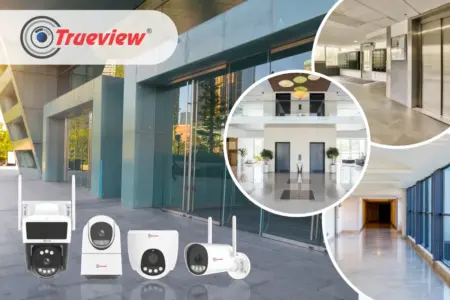
A multi-floor home needs more than a single camera placed at the main entrance. Different floors may have separate entry points, balconies, staircases, parking areas, living spaces, and outdoor corners that require monitoring. The challenge is to build a security setup that provides useful coverage without making the installation unnecessarily difficult.
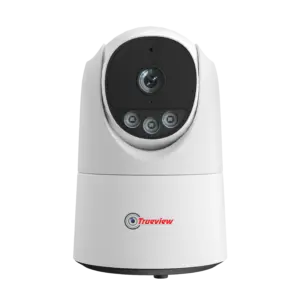
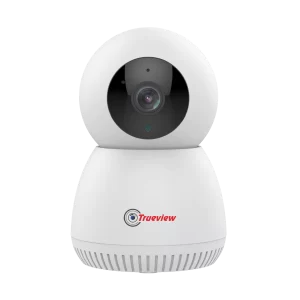
A Best Home WiFi Camera is a practical solution for homes that want surveillance and a reliable wireless network. Instead of running extensive cable to the camera, homeowners should choose the right WiFi camera for each location and monitor it through connected devices.
In this blog, we will look at why multi-floor homes need different camera placement, which type of camera is ideal for which type of entry, and what to check before buying a wireless WiFi camera for home. Keep reading!
Why Multi-Floor Homes Need a Different Security Approach
A single-floor independent home usually has one main gate and maybe a back door. Once that is covered, most of the risk is addressed.
Multi-Floor Homes Need Different Security Due to the Following Reasons:
- Structural Access Differences: Multi-level buildings have different features, such as rental units, staircases, and gateways, that are not covered by a simple one-floor structure.
- Bypassed Perimeter Vulnerabilities: Intrusion risks escalate when visitors and workers start using alternative entrance points that are not covered by the primary camera.
- Segmented Foot-Traffic Patterns: Movement through various means of access by diverse occupants and workers creates gaps in security coverage at upper levels and alternative routes.
- Multi-Zone Entry Protection: Effective surveillance demands dedicated coverage for each individual point of access rather than relying on a single entry camera.
What Makes the Best Home WiFi Camera for Multi-Floor Homes?
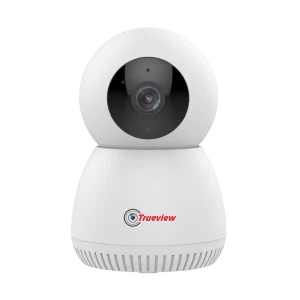
The Best Home WiFi Camera is not necessarily the camera with the longest feature list. It should match the homeowner’s location, connectivity, coverage needs, and monitoring preferences. Here are some factors we recommend considering.
1] Reliable WiFi Connectivity
- Wireless cameras depend on a suitable WiFi connection to transmit video.
- In a multi-floor property, WiFi strength can vary between floors and rooms because of walls, floors, distance from the router, and other structural factors.
- Before installing a Wireless WiFi Camera, homeowners should check whether the intended location receives a stable WiFi signal.
2] Suitable Viewing Coverage
- A camera at a narrow entrance needs focused coverage, while a camera in a larger room may need to cover a broader area.
- Using a zone-based camera helps prevent blind spots.
3] Convenient Remote Monitoring
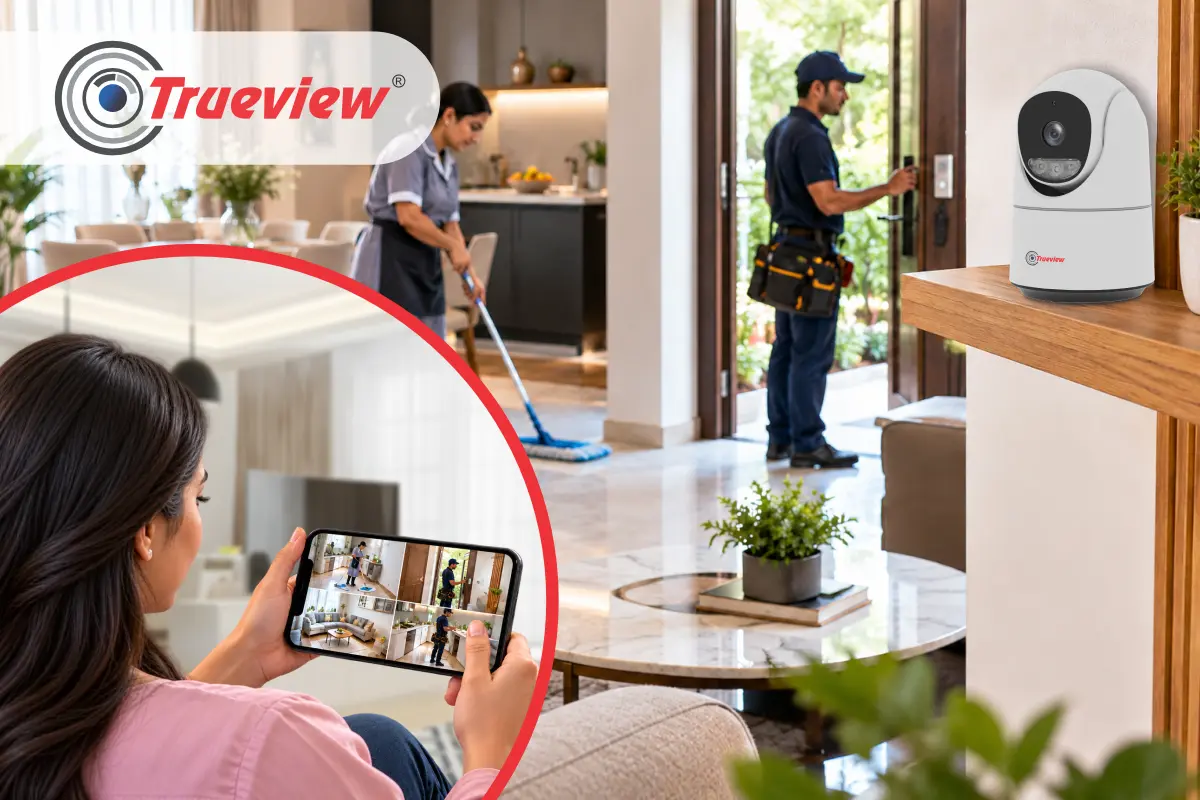
- A WiFi CCTV Camera for Home provides convenient monitoring through the True Cloud App, allowing homeowners to check selected camera feeds.
- Remote monitoring is essential for multi-floor homes where you want to check different locations and entry points from one place.
4] Recording Options
- Homeowners should consider how surveillance footage will be stored.
- Depending on the camera and surveillance setup, recording may involve options such as SD card storage, NVR systems, or True Cloud recording services.
At Trueview, we offer surveillance solutions with different recording approaches so homeowners can select an option based on their monitoring requirements.
How Should You Place WiFi Cameras Across Multiple Floors?
Camera placement should follow the home’s movement patterns and entry points rather than simply placing one camera on every floor.
Ground Floor – Main Entry and Common Areas
- The ground floor usually includes the entrance and common rooms.
- Camera placement should cover the main entrance or certain parts of the house.
- If the property has a gate or driveway, an outdoor camera can also be considered depending on the required viewing area and WiFi availability.
First Floor – Separate Entry or Staircase
- The first floor, having an independent entrance, should have a dedicated camera.
- Consider a camera for a staircase or passage where movement between levels needs monitoring.
- Camera placement should match the camera view and the space layout.
Upper Floors – Independent Access Points
- Homes with separate entrances for upper floors can benefit from dedicated monitoring for those access points.
- A Wireless WiFi Camera can provide installation flexibility where reliable WiFi is available, reducing the need for extensive network cabling.
Balcony, Terrace, or Exterior Areas
- Some multi-floor homes have balconies or terraces that may require additional surveillance.
- Outdoor camera placement should take into account the viewing direction, surrounding structures, environmental conditions, and WiFi coverage.
Features Worth Considering in the Best Home WiFi Camera
No single specification automatically makes a camera the best choice for every home. Trueview recommends evaluating features based on the location, coverage requirements, and surveillance needs.
Key features include:
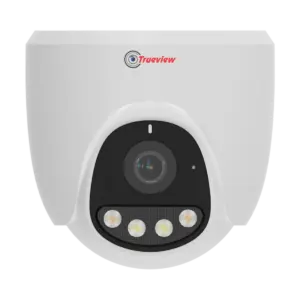
- Resolution: Upto 5 MP for higher resolution and clarity.
- Audio: Full-duplex Audio Intercom for two-way audio conversation.
- App: TrueCloud mobile app support for convenient live viewing and recordings.
- Compression: H.265+ technology to help reduce storage and bandwidth requirements.
- Connectivity: WiFi connectivity for convenient wireless installation and monitoring.
- Storage: Supports SD cards of up to 256GB, depending on the model.
- Coverage: A suitable viewing area helps ensure the intended zone is properly monitored.
- Night Vision: Trueview camera provides low-light and dark conditions monitoring.
- Movement: Pan-tilt functionality provides greater viewing flexibility.
- Tracking: Auto human tracking to follow detected human movement.
What Should You Check Before Installing a WiFi CCTV Camera for Home?
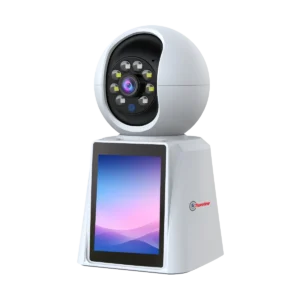
Before selecting the Best Home WiFi Camera, we recommend checking these factors:
- WiFi Signal: Confirm that the camera location receives reliable WiFi coverage.
- Floor Layout: Identify the areas that need surveillance on each floor and determine whether one camera can adequately cover the intended zone.
- Entry Points: Check every gate, entrance, and access route that needs monitoring and surveillance.
- Recording Requirements: Check local, network, and cloud recording requirements based on your needs.
- Blind Spots: Check whether walls, pillars, furniture, staircases, or other structures could obstruct the camera’s field of view.
- Installation Position: Install the camera where it provides the required viewing angle while remaining practical for installation and maintenance.
- Night Monitoring: If the camera will operate after dark, consider its night-vision capabilities and the lighting conditions in the installation area.
Takeaway
Choosing the Best Home WiFi Camera for a multi-floor home is not about finding one camera that does everything but about creating the right combination of cameras. Separate entry points, staircases, parking spaces, living areas, balconies, and outdoor corners can all have different surveillance requirements.
Also check your WiFi connection before installing a Wireless WiFi Camera, especially on upper floors or in areas far from the router. Trueview offers different WiFi cameras, allowing homeowners to choose based on location and monitoring needs.
Storage is another key factor, including SD cards, NVRs, DVRs, and cloud recording. For larger homes, wireless NVR connectivity can also help bring multiple cameras into a central surveillance setup.
If your home needs a practical, scalable WiFi CCTV Camera for Home, choose a solution based on your property’s layout, connectivity, coverage, and recording needs, and choose Trueview for a practical approach to modern home security.
About Trueview

Trueview is the No.1 Indian technology brand providing solutions across surveillance, displays, education technology, and commercial applications. Its surveillance solutions include 4G and WiFi CCTV Cameras, cloud recording, and related security technologies. Our wide range lets customers choose different connectivity and monitoring approaches based on location and application.
Trueview also develops display and smart technology solutions for commercial and educational environments. We also provide digital signage, video wall displays, All-in-One Computers, ADPM solutions, and conferencing technology.
We focus on practical technology that supports different environments and requirements. For surveillance users, this means choosing between WiFi, 4G, NVR, and cloud-based approaches based on the actual site. For businesses and institutions, we support scalable technology requirements across security, communication, education, and display applications.
If you have any more questions or need help choosing the right solution, feel free to contact us. Our team is always available to guide you and help you select the best option!