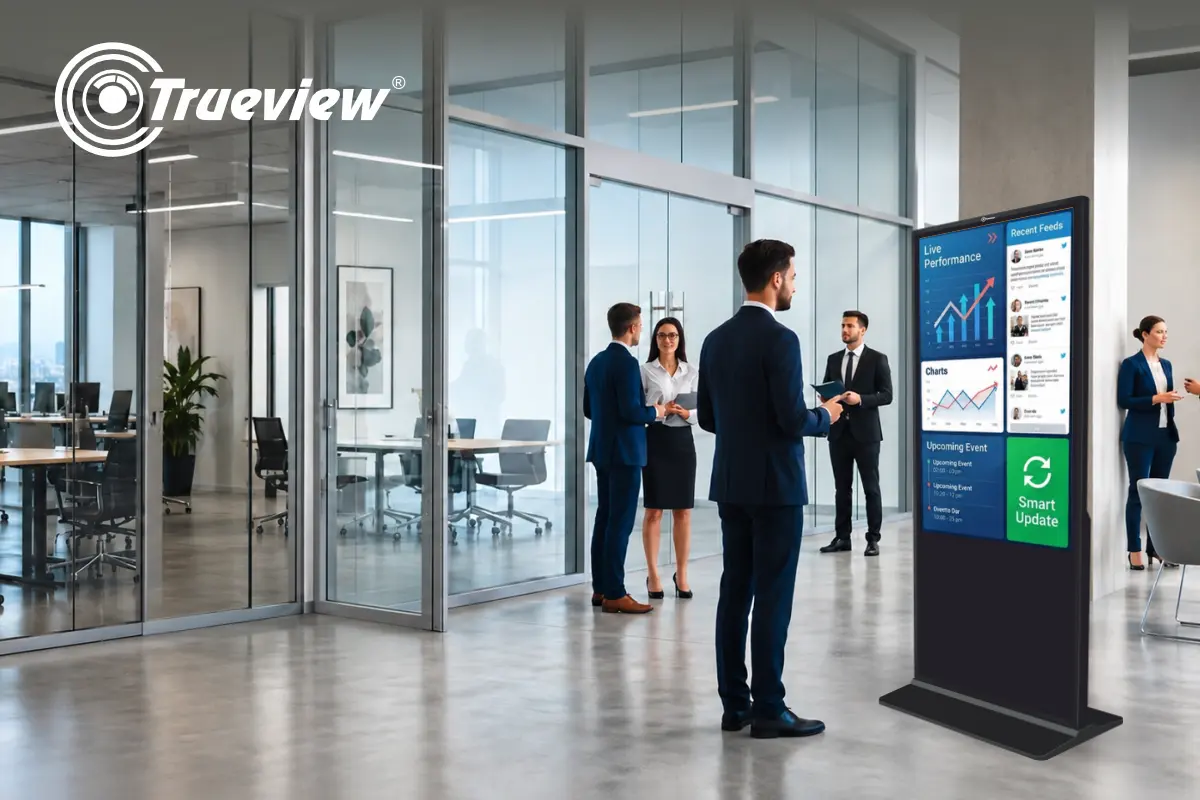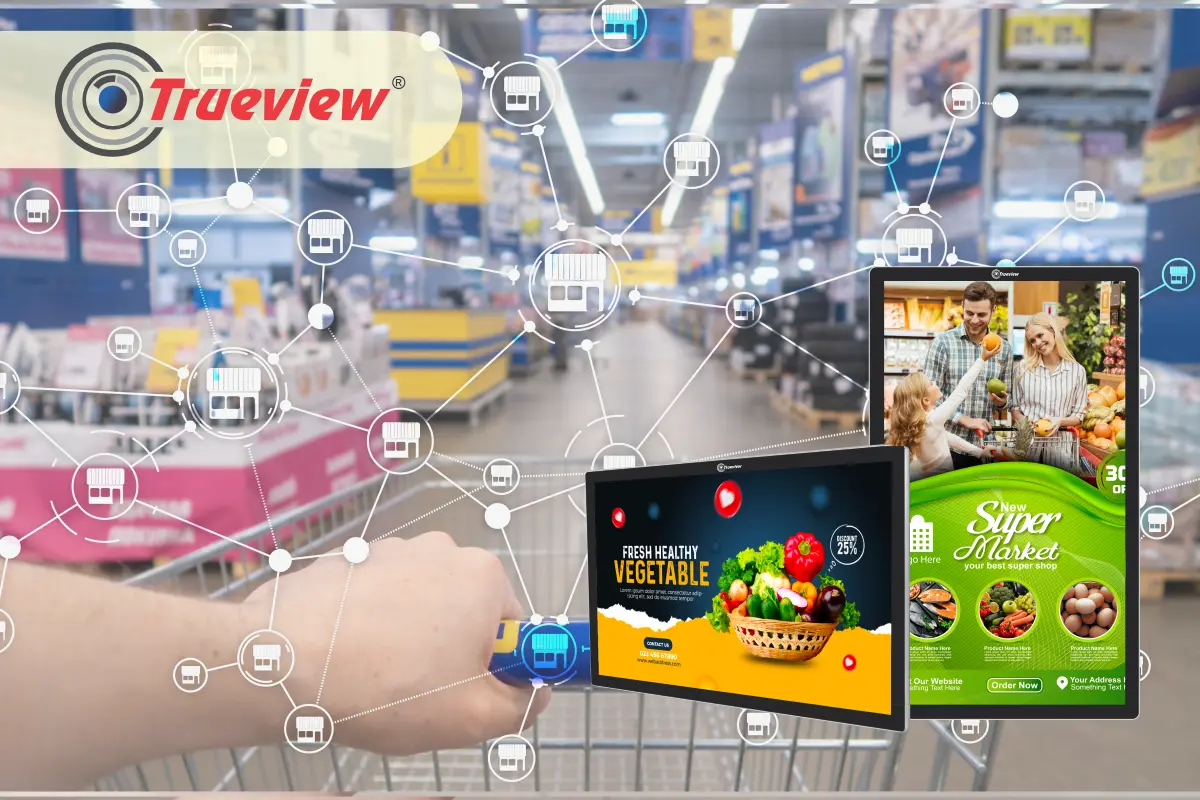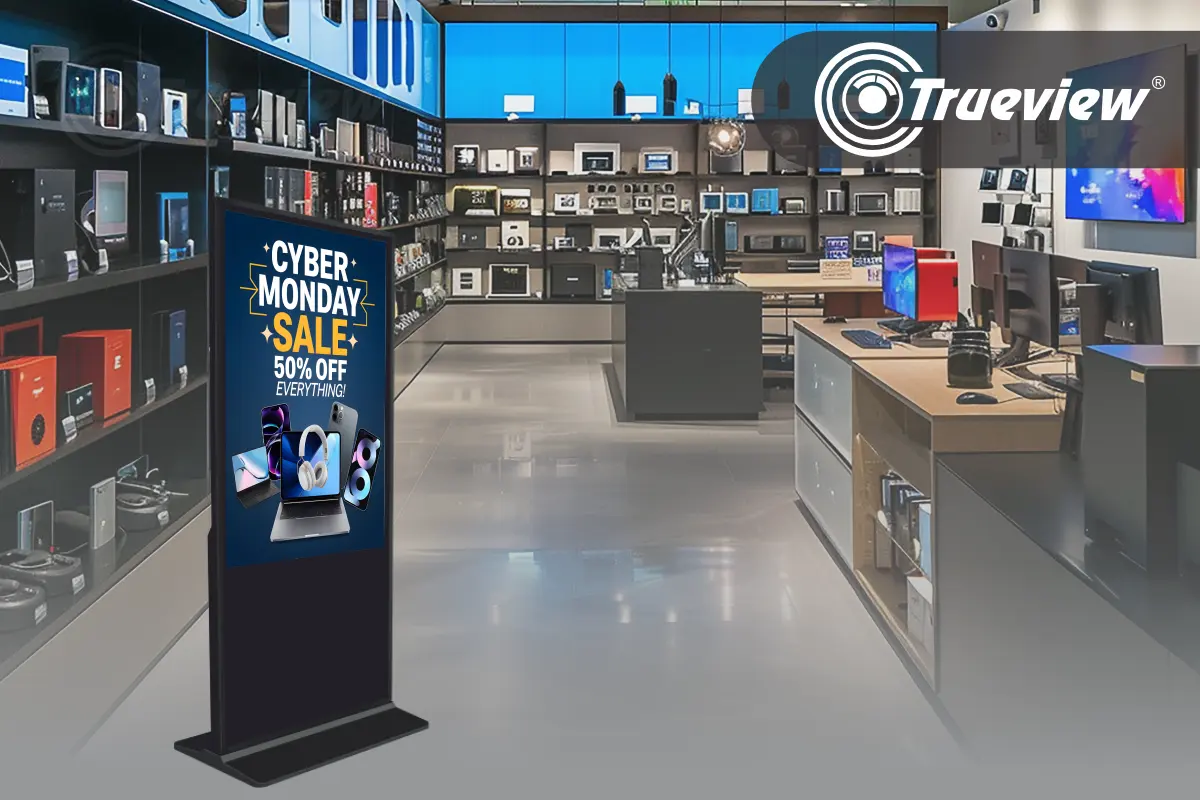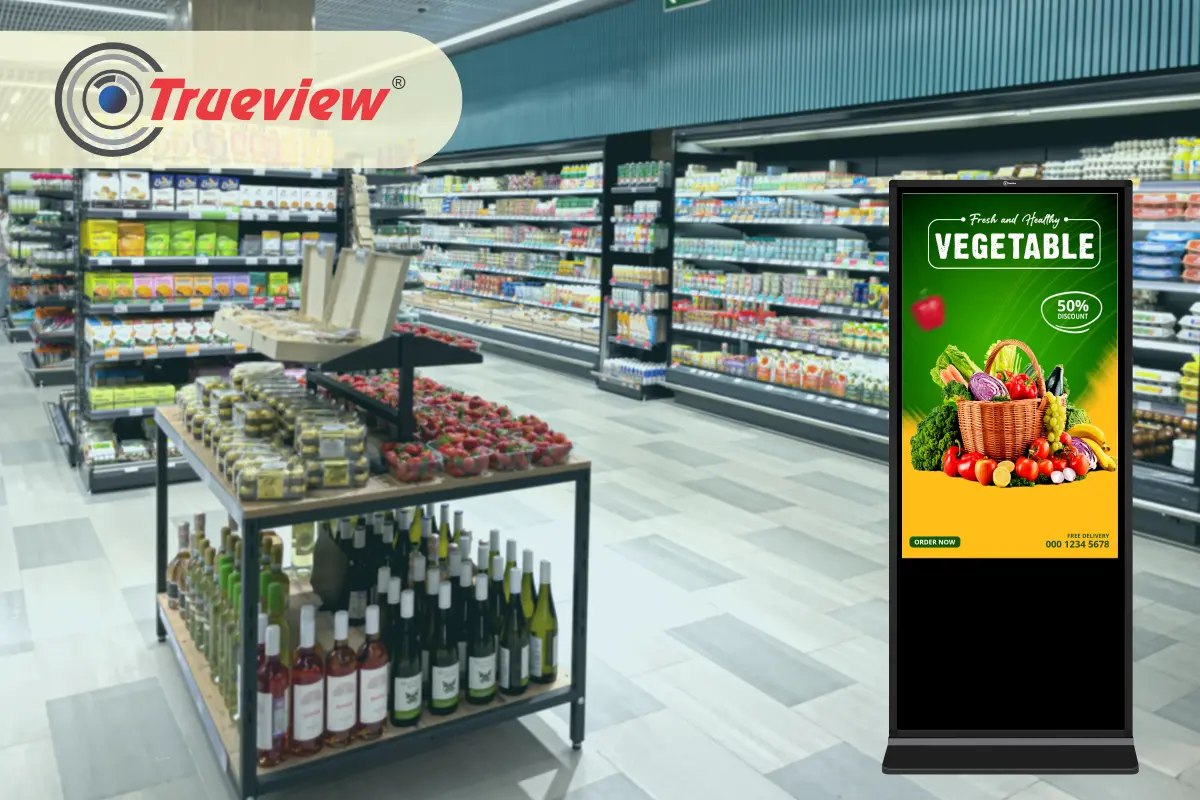
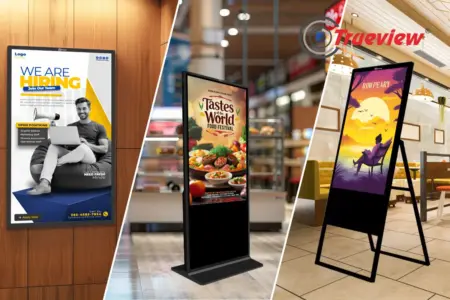
A Digital Signage Screen can transform how a business communicates with customers. Whether used in retail stores, showrooms, restaurants, offices, hospitals, or educational institutions, digital screens provide stronger visibility and clearer messaging than static posters.
However, installing a Digital Signage Screen is not just about mounting it on a wall and switching it on. The placement, height, orientation, power setup, cable management, and mounting method all influence how well the screen performs over time.
A poorly installed screen can reduce visibility, create glare issues, and even affect long-term durability. On the other hand, proper installation ensures better customer attention, safer deployment, and stronger results from your Digital Signage Advertising efforts.

Contents
- 32 inch Floor Mount Non-Touch A9 DSS 2GB/ 16GB T291097-A
- 55-inch Floor Mount Non-Touch A9 DSS 2GB/ 16GB T291099-A
- 43 inch Floor Mount Non-Touch Digital Signage
- Why Proper Installation Matters for a Digital Signage Screen
- Step 1 – Selecting the Right Installation Location
- Step 2 – Choosing Between Wall-Mounted and Floor-Standing Models
- Wall-Mounted Digital Signage Screen
- Step 3 – Orientation – Portrait vs Landscape
- Step 4 – Structural Safety and Mounting Strength
- Step 5 – Cable Management Best Practices
- Step 6 – Power Supply Planning
- Step 7 – Ventilation and Heat Clearance
- Step 8 – Testing Visibility from Multiple Angles
- Step 9 – Content Readiness Before Installation
- Step 10 – Maintenance and Regular Inspection
- Ideal Environments for Trueview Digital Signage Screen Installation
- Takeaway
- About Trueview
32 inch Floor Mount Non-Touch A9 DSS 2GB/ 16GB T291097-A
In this guide, we will cover installation and mounting best practices for the Trueview Digital Signage Screen. Keep reading!
Why Proper Installation Matters for a Digital Signage Screen
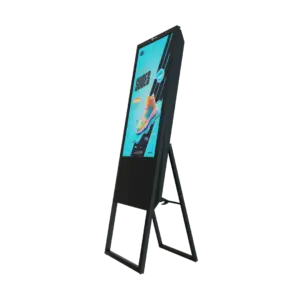
A Digital Signage Screen is an active communication tool. If installed incorrectly, businesses may face:
- Poor visibility
- Glare issues
- Cable exposure
- Structural damage
- Reduced lifespan
- Customer distraction
On the other hand, correct mounting ensures:
- Clear viewing angles
- Safe placement
- Stable operation
- Professional appearance
- Consistent digital signage advertising impact
Trueview Digital Signage Solutions are built for commercial environments, and proper installation helps unlock their full potential.
Step 1 – Selecting the Right Installation Location
Location directly influences the effectiveness of Digital Signage Advertising.
Identify High-Visibility Areas
Install your Digital Signage Screen where customers naturally look:
- Store entrances
- Billing counters
- Waiting areas
- Product display zones
- Reception areas
Avoid placing screens behind obstacles or near cluttered walls.
Consider Customer Sightlines
The screen should align with natural eye level.
General best practice:
- For Standing Audiences: Center of screen at 4.5 to 5 feet from the floor
- For Seated Audiences: Slightly lower positioning
This improves content readability and customer engagement.
Evaluate Lighting Conditions
Although Trueview Digital Signage Screens offer bright display clarity suitable for commercial environments, direct sunlight reflection can reduce visibility.
Best practices:
- Avoid direct glare from windows
- Use anti-glare positioning
- Do not install directly under harsh spotlight reflections
This ensures better viewing quality.
Step 2 – Choosing Between Wall-Mounted and Floor-Standing Models
Trueview Digital Signage Solutions offer both wall-mounted and floor-standing options.
Wall-Mounted Digital Signage Screen
Suitable for:
- Compact retail stores
- Pharmacies
- Salons
- Showrooms
- Reception walls
Advantages:
- Saves floor space
- Secure placement
- Clean professional look
- Ideal for fixed promotional content
Installation Tips:
- Install using the heavy-duty wall brackets provided with the signages
- Ensure proper wall strength (concrete preferred)
- Avoid drywall-only mounting without reinforcement
Floor-Standing Digital Signage Units
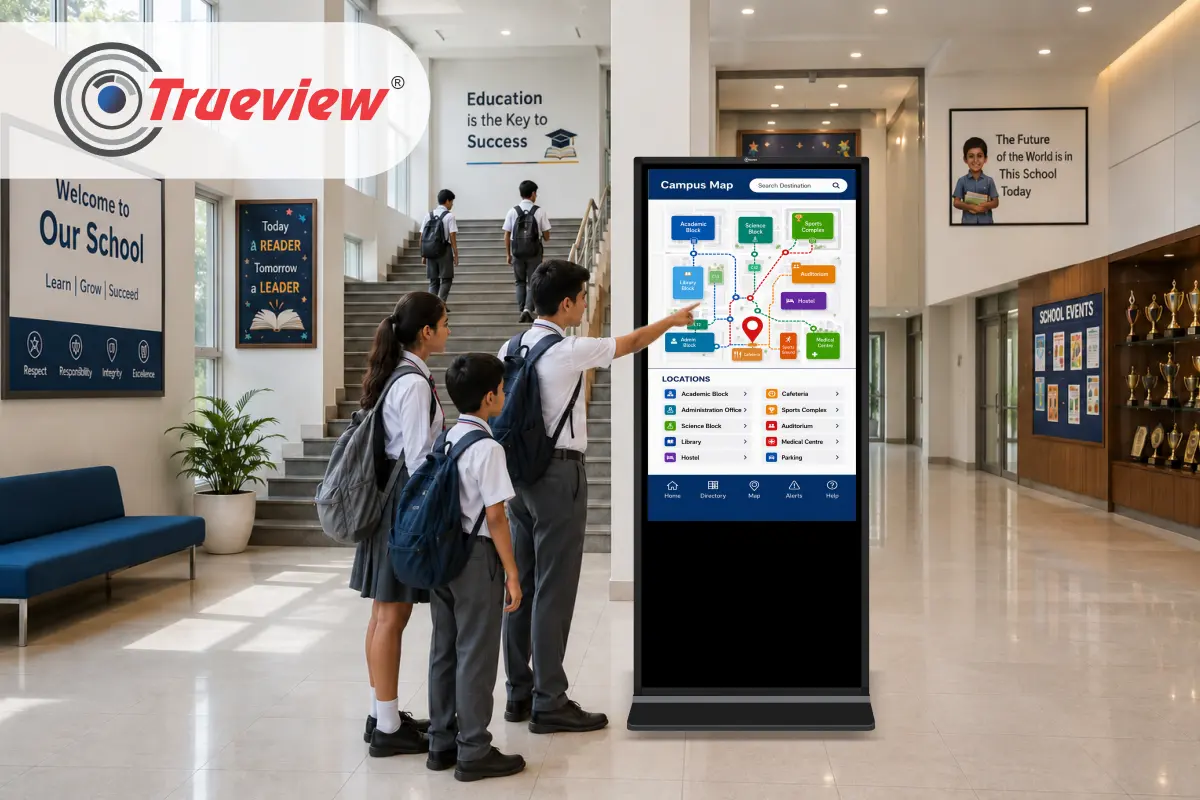
Suitable for:
- Mall entrances
- Large retail stores
- Exhibition spaces
- Hospitality environments
- Corporate lobbies
Advantages:
- Flexible placement
- High visibility
- Ideal for digital signage advertising near entry points
Installation Tips:
- Place on a stable, level surface
- Keep a safe distance from heavy foot traffic
- Avoid blocking emergency pathways
Step 3 – Orientation – Portrait vs Landscape
Trueview Wall Mounted Digital Signages support portrait and landscape modes.
Portrait Mode Installation
Best For:
- Vertical promotional posters
- Menu boards
- Price lists
- Fashion and apparel displays
Mounting Considerations:
- Secure bracket rotation support
- Ensure top weight balance
- Double-check screw alignment
Landscape Mode Installation
Best For:
- Video advertisements
- Brand storytelling content
- Product showcase videos
Mounting Considerations:
- Wider wall space required
- Ensure equal support on both ends
Selecting the correct orientation improves advertising clarity.
Step 4 – Structural Safety and Mounting Strength
Safety should always come first.
Wall Assessment
Before mounting a Digital Signage Screen:
- Check the wall material
- Avoid weak plaster-only sections
- Confirm load-bearing capacity
Concrete walls provide the strongest support.
Proper Mounting Hardware
Use:
- Only the company provided brackets to install
- Manufacturer-recommended screw sizes
- Anchors suited for wall type
Never compromise on mounting hardware to reduce cost.
Step 5 – Cable Management Best Practices
Visible cables reduce professional appeal.
Trueview Digital Signage Solutions supports USB and Android-based content systems, which simplify wiring requirements.
Best Practices:
- Hide power cables inside the conduit
- Use cable trunking for wall-mounted screens
- Secure loose wires to avoid accidental pulling
- Keep the USB access area easily reachable
Clean cable management improves store aesthetics.
Step 6 – Power Supply Planning
Every Digital Signage Screen needs stable power.
Best Practices:
- Install near reliable power outlets
- Avoid long extension cords
- Use surge protection
- Ensure ventilation space around the screen
Stable power prevents screen damage and downtime.
Step 7 – Ventilation and Heat Clearance
Trueview Digital Signage Screens are built for long operational hours. However, airflow is important.
Installation guidelines:
- Leave a minimum gap between the wall and the screen
- Avoid tight enclosed cabinets
- Ensure air circulation
Proper ventilation increases screen lifespan.
Step 8 – Testing Visibility from Multiple Angles
After installation:
- Stand at different customer positions
- Check readability from a distance
- Test brightness settings
- Verify color clarity
Content should remain clear across viewing angles.
Step 9 – Content Readiness Before Installation
Many businesses install screens before preparing content. This delays activation.
Prepare:
- Promotional videos
- Product images
- Offer creatives
- Brand slides
Trueview Digital Signage Screens support USB playback and Android-based content systems, making deployment straightforward.
Load content before opening hours to ensure a seamless launch.
Step 10 – Maintenance and Regular Inspection
A properly mounted Digital Signage Screen requires minimal but consistent care.
Routine checks:
- Tighten mounting screws every 3-6 months
- Clean the screen surface with a cloth
- Inspect cable stability
- Monitor brightness settings
Regular checks ensure consistent Digital Signage Advertising performance.
Ideal Environments for Trueview Digital Signage Screen Installation
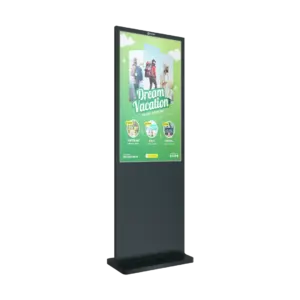
Trueview Digital Signage Solutions work well in:
- Retail stores
- Grocery outlets
- Electronics shops
- Restaurants
- Pharmacies
- Salons
- Clinics
- Corporate offices
- Educational institutions
Each environment requires slight mounting adjustments, but core installation principles remain consistent.
Takeaway
A Digital Signage Screen is a powerful communication tool, but correct installation determines its long-term effectiveness. By selecting the right location, choosing proper mounting format, ensuring structural safety, managing cables properly, and maintaining airflow, businesses can maximize the impact of their Digital Signage Advertising efforts.
Trueview Digital Signage Solutions provide practical, reliable, and business-ready display systems that are easy to install and operate. With proper mounting and planning, businesses can create a professional, high-visibility display setup that supports sales, branding, and customer engagement consistently.
If you are planning to install a Trueview Digital Signage Screen in your retail store, showroom, or office, following these best practices will ensure long-term performance and measurable results.
About Trueview

Trueview is an Indian technology provider focused on creating display and communication solutions that help businesses connect with customers clearly and efficiently.
With a strong focus on commercial use, Trueview Digital Signage Screens support both wall-mounted and floor-standing formats. These screens are designed for daily use in retail stores, showrooms, offices, and public spaces. They deliver bright, clear visuals that make Digital Signage Advertising more effective and easy to run.
Trueview Digital Signage Solutions support simple content playback via USB and Android-based systems, enabling businesses to update content frequently with ease. Multiple installation formats, portrait and landscape display modes, and professional display quality make Trueview Digital Signage Screens suitable for a wide range of use cases and business environments.
By focusing on practical performance and reliable operation, Trueview helps businesses achieve clear visibility, stronger customer engagement, and better communication with less technical effort.
Ready to install a Trueview Digital Signage Screen in your business space? Contact us directly and start transforming your customer communication with a professional Digital Signage Screen – clear, effective, and easy to deploy.