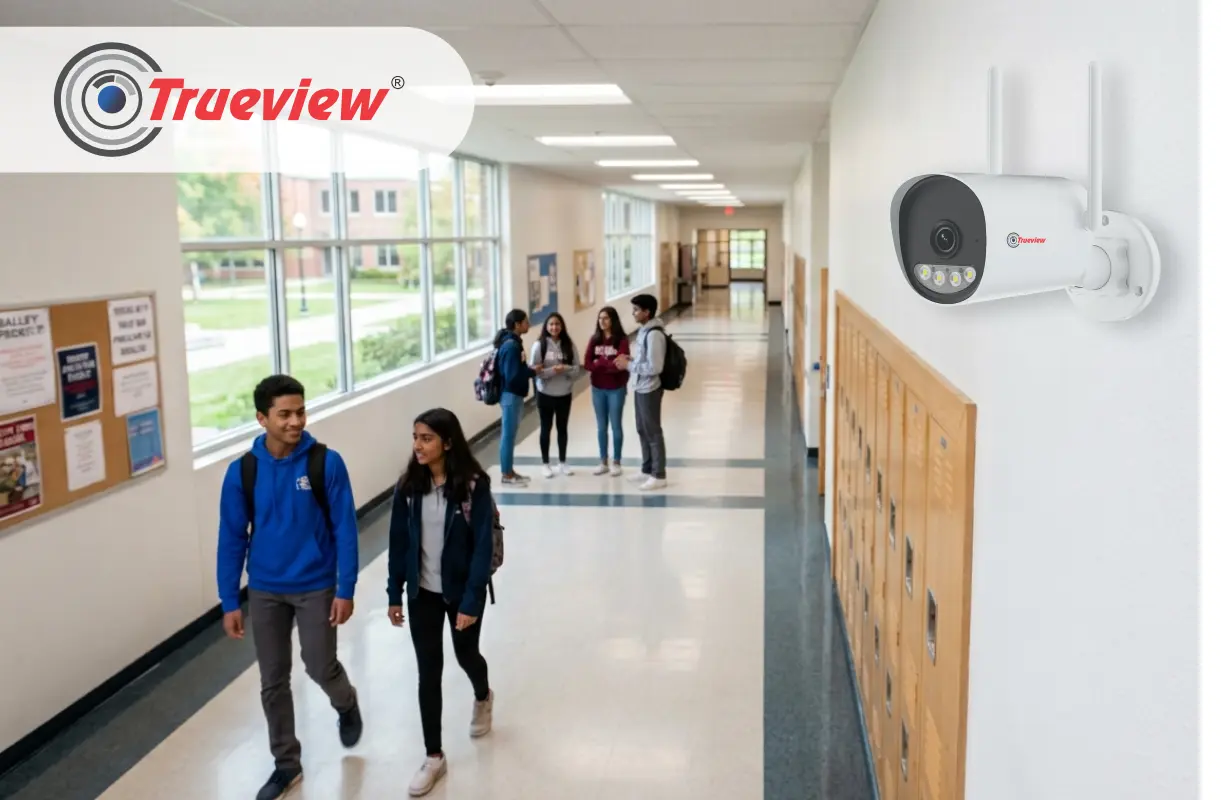
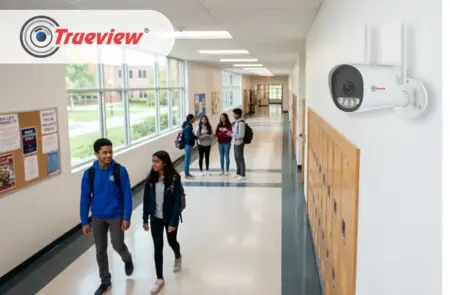
Security systems for educational establishments should have more capabilities than just recording footage. Schools, colleges, universities, coaching centers, and other learning campuses have multiple areas to monitor, including entrances, corridors, classrooms, parking areas, common spaces, laboratories, and outdoor zones.
Security teams also need a practical way to review footage when they are not physically on site. That is why a Cloud Recording Security Camera can make surveillance more accessible and manageable. Trueview Wireless CCTV Camera range is designed around this need for flexible surveillance.
True Cloud App supports remote access to camera views, while compatible cameras can provide features such as cloud recording, human detection, motion alerts, and mobile access.
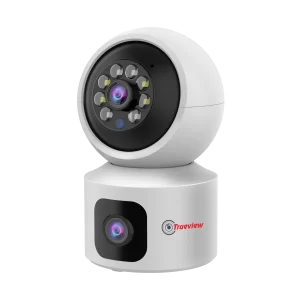
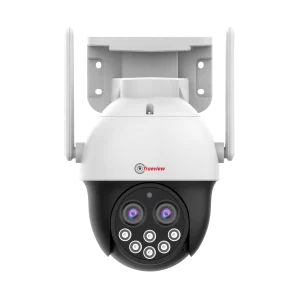
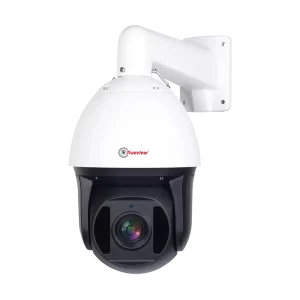
In this blog, we’ll cover why campuses need CCTV Cloud Recording Wireless, how Trueview plans work, and what schools and colleges should check before choosing a system. Keep reading!
Why Educational Institutions Need CCTV with Cloud Storage
Educational institutions have many areas to monitor, so administrators and security teams need easy access to surveillance footage.
- Multiple Monitoring Areas: Cover entry and exit points, classrooms, corridors, open grounds, parking areas, offices, and equipment rooms.
- Convenient Footage Access: CCTV with Cloud Storage reduces dependence on accessing footage only through a recorder installed on the premises.
- Remote Camera Access: Trueview True Cloud solution allows authorised users to access camera views through computers, tablets, or smartphones.
- Recording and Playback: Supported systems allow users to record, download, view, and replay footage through the mobile app.
- Faster Incident Review: Administrators or authorised security personnel can check relevant footage without being physically present in the monitoring room.
What Makes a Cloud Recording Security Camera Useful for Schools and Colleges?
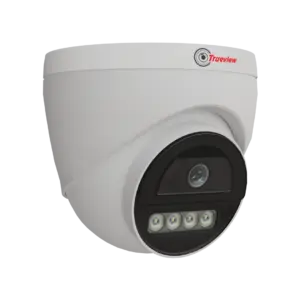
A Cloud Recording Security Camera becomes particularly useful when an institution needs convenient access to surveillance footage across different areas.
Some of the important considerations include:
1] Remote Access to Surveillance Footage
School administrators and security teams may not always be near the CCTV monitoring system. Remote access makes it possible to check supported camera views using connected devices.
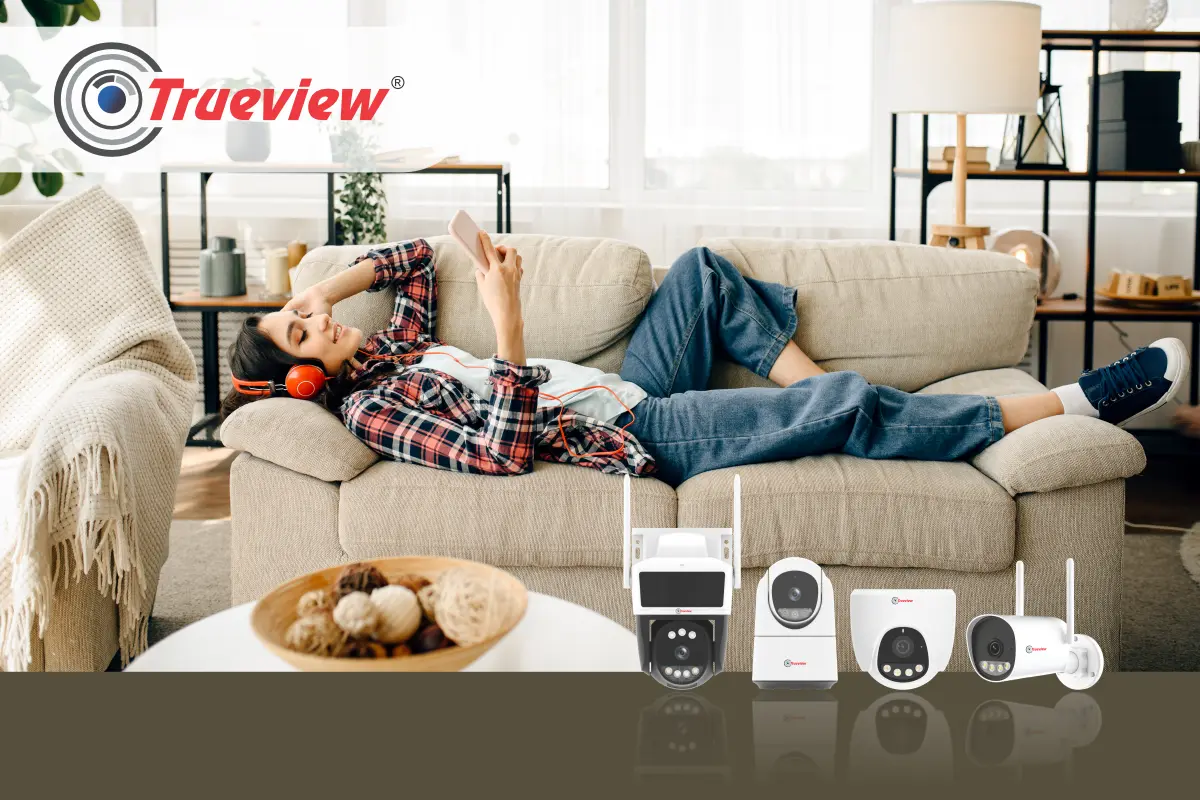
Trueview True Cloud App supports remote access to camera views on computers, tablets, and smartphones. This gives authorised users greater flexibility in checking surveillance footage from different locations.
2] Recording and Replay
Security footage becomes valuable when an institution needs to review something that has already happened.
Trueview cloud surveillance material highlights the ability to record, download, view, and replay footage through the mobile app.
3] Human Detection and Alerts
A modern educational campus may have considerable movement throughout the day. Human detection and motion alerts can help bring attention to activity that requires review.
Trueview compatible camera solutions include human detection, alarm push notifications, and cloud recording.
It is useful for monitoring entrances, restricted areas, corridors, and other locations where unexpected activity may require attention.
How CCTV Cloud Recording Can Simplify Campus Security
Managing surveillance across a large educational institution can become difficult when every recording has to be accessed locally.
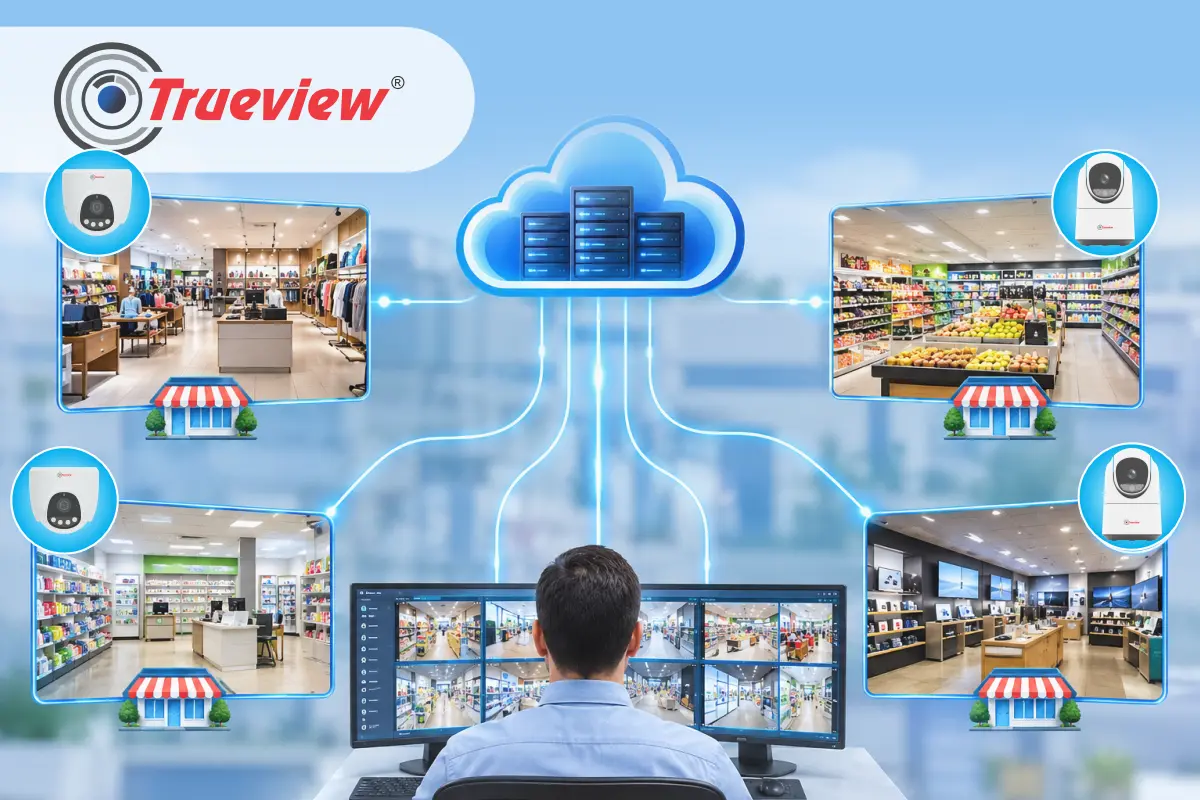
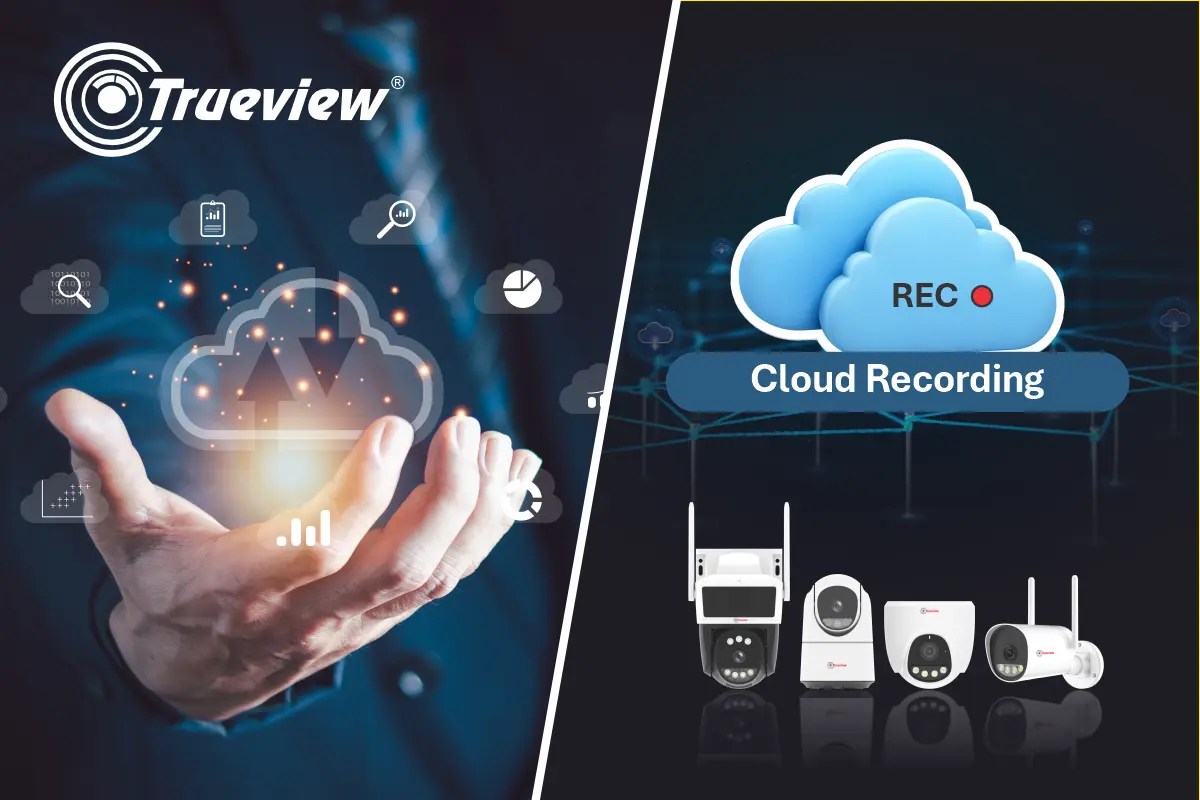
CCTV Cloud Recording Wireless provides another way to approach video storage and access. With the Trueview cloud-connected surveillance ecosystem, authorised users can access camera views remotely and work with recorded footage through supported applications.
There are several practical advantages for institutions.
1] Easier Footage Access
If an incident takes place during a busy school day, the security team may need to review footage quickly. With remote viewing, the need to stay physically close to the video recorder is minimised.
2] Reduced Dependence on Local Storage Alone
Trueview cloud surveillance material highlights the limitations associated with SD card malfunction, lost cards, camera theft, and storage limitations. CCTV with Cloud Storage provides an additional recording option based on the applicable subscription plan.
3] Convenient Review
Administrators use supported devices to monitor and review footage. It is helpful when checking an incident, reviewing activity, or investigating a security concern.
4] Support Multi-Location Monitoring
Educational organisations may operate multiple campuses or buildings. The capability can be particularly relevant for institutions managing surveillance across a larger network of locations.
Choosing the Right Cloud Recording Security Camera for Your Institution
There is no single camera configuration that fits every school or college. The right selection depends on the location and its surveillance requirements.
Before choosing a Cloud Recording Security Camera, institutions should consider the following factors:
1] Connectivity
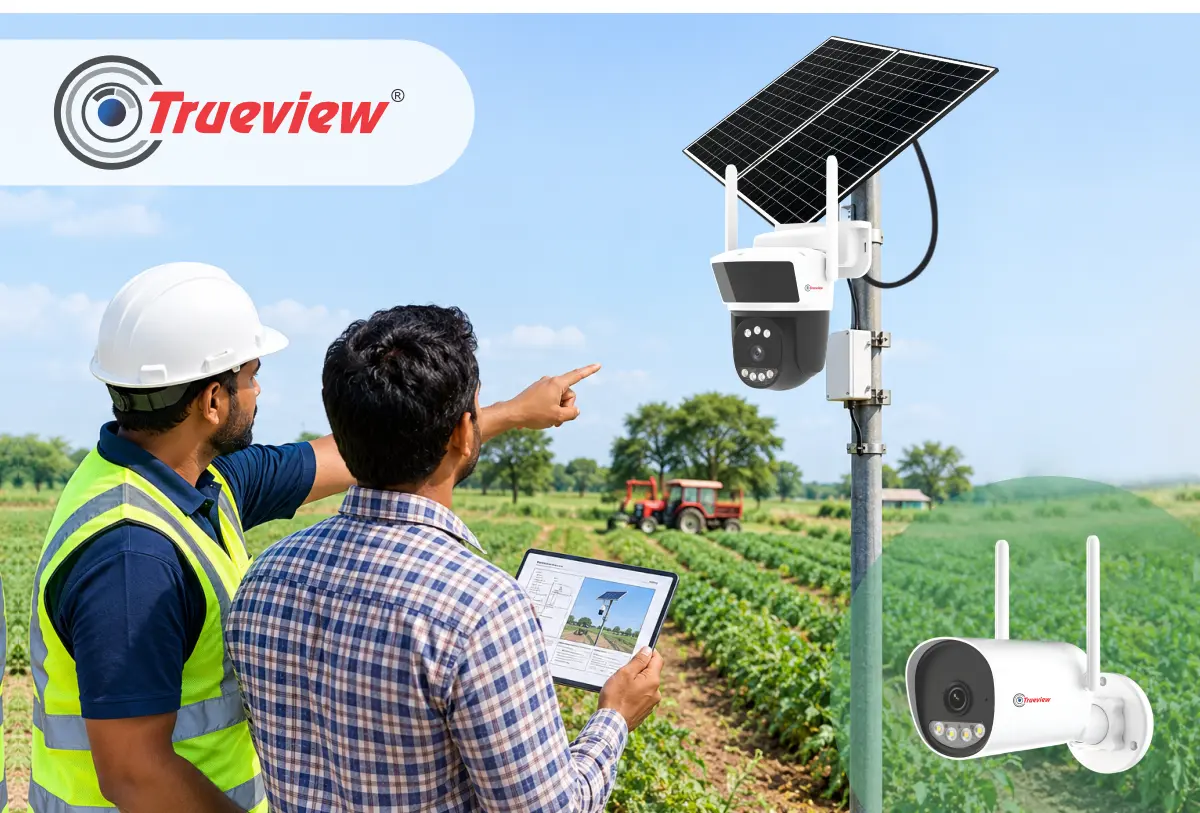
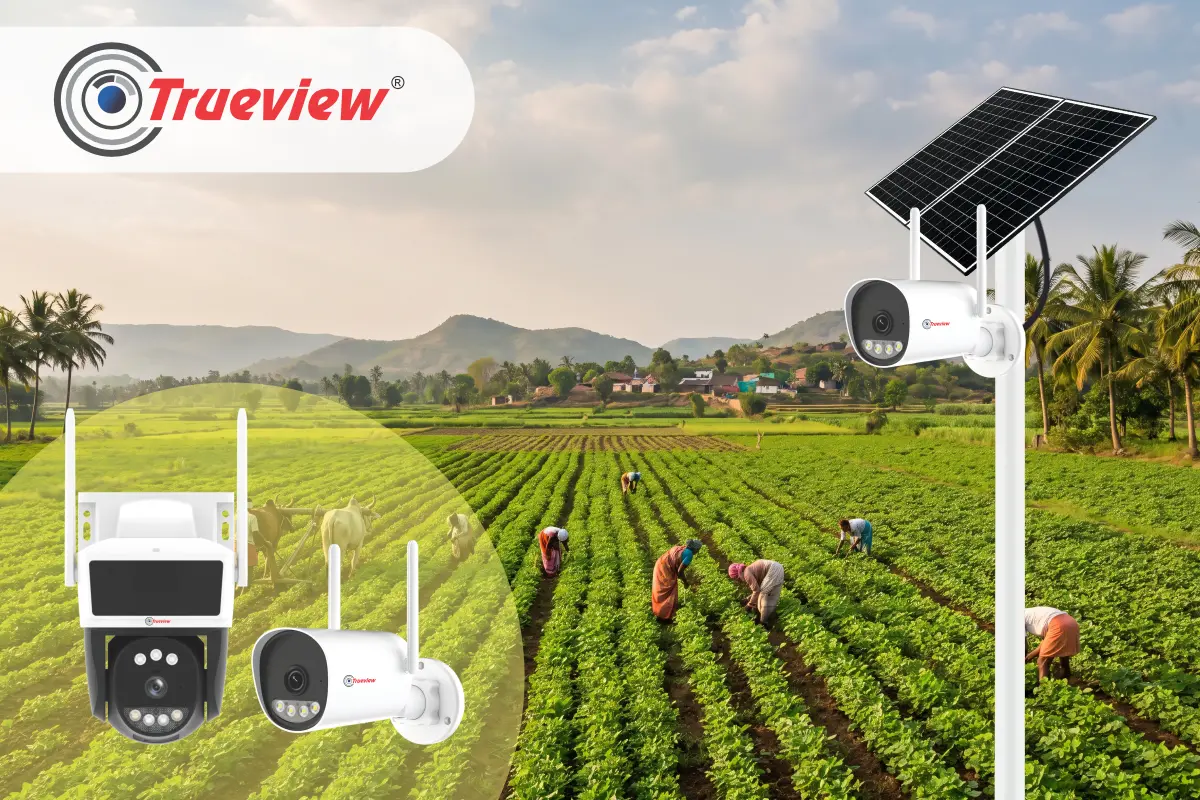
Check whether the installation area has reliable WiFi connectivity. For locations without internet access, a compatible 4G camera may be more appropriate.
2] Camera Location
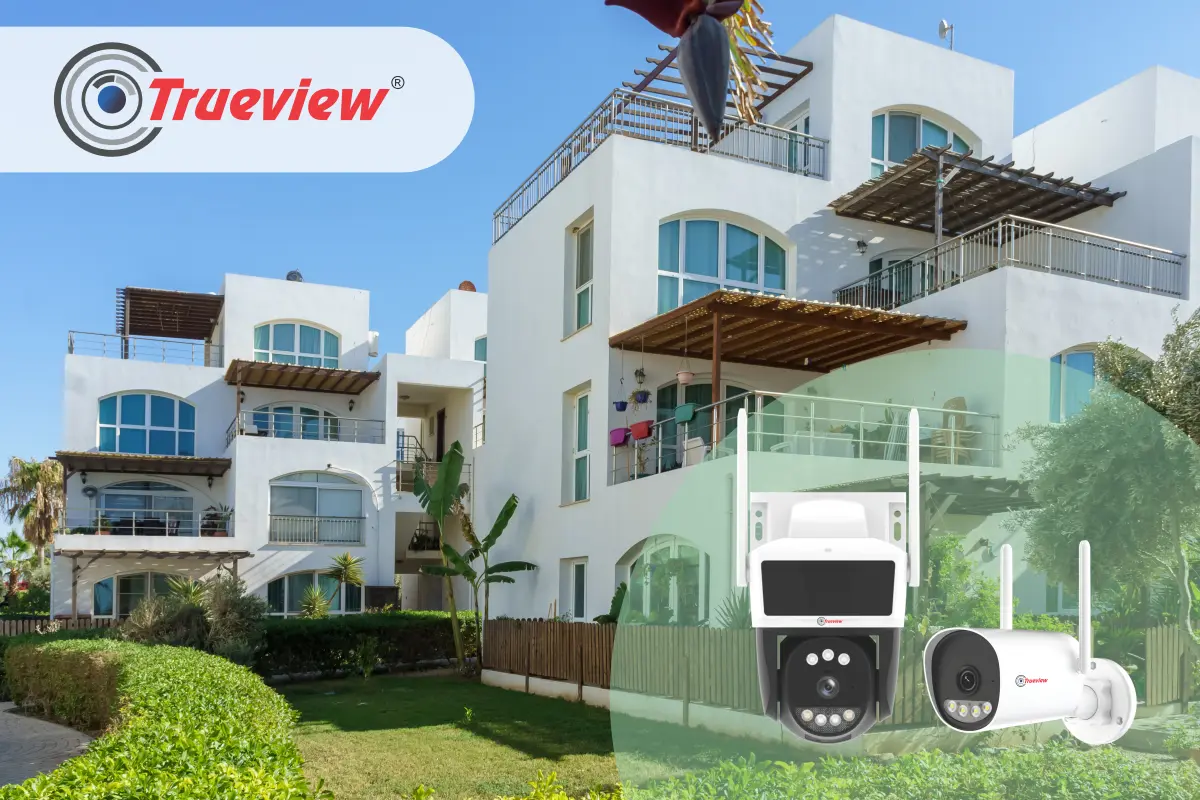
Indoor corridors, entry points, outdoor areas, parking lots, or the ground may require different types of cameras depending on the needs. It is better to choose an appropriate camera.
3] Recording Requirements
The institution can determine whether it requires recording through motion, constant recording, or any other form of recording supported by the platform. Trueview TrueCloud Recording Service includes subscription-based recording options.
4] Remote Monitoring
If the administrators require access off campus, ensure that the chosen cameras and cloud solution offer the desired capabilities for remote surveillance.
5] Notifications Detection
Human detection, motion detection, and push notifications can help security personnel pay attention to relevant activity instead of continuously watching every camera feed. Trueview compatible camera material highlights human detection and alarm push notifications.
A Practical Surveillance Approach for Schools, Colleges and Universities
Plan a practical educational surveillance system around the campus layout, connectivity, monitoring requirements, and each area’s specific security needs.
- Identify Key Locations: Place CCTV cameras at all main gates, secondary entry points, corridors, parking lots, administration zones, labs, equipment zones, and outside locations.
- Choose Recording Needs: Determine which locations need 24/7 surveillance while others can be under event-based surveillance.
- WiFi Camera Coverage: Use compatible Trueview WiFi cameras in areas having strong WiFi coverage.
- 4G Camera Options: Consider compatible 4G cameras for areas where conventional network is difficult to maintain.
- Outdoor Surveillance: Identify suitable weather-proof camera models for outside security on the campus
- Cloud-Based Access: The True Cloud App provides a common cloud-connected environment for supported cameras, allowing authorised users to access camera views and recordings remotely.
- Remote Monitoring: Access supported camera views through computers and mobile devices for convenient surveillance management.
- Campus-Specific Planning: Build the surveillance system according to the specific needs of the site instead of using a universal camera system for all sites.
Cloud Recording Supports Better Security Management
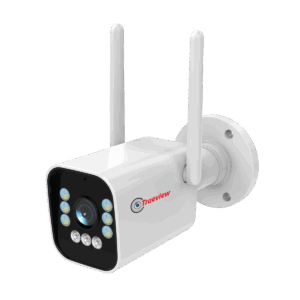
Effective surveillance is not just about installing cameras; it is also about having convenient access to recorded footage when it is needed.
- Accessible Footage: A Cloud Recording Security Camera can make surveillance footage more accessible to authorised users when required.
- Incident Review: Cloud-based recording can help institutions review footage related to security incidents or other events.
- Campus Visibility: Remote access can provide greater visibility across different areas of a school, college, or university.
- Remote Camera Viewing: The True Cloud App ecosystem supports remote access to camera views and recorded footage on supported systems.
- Recording Management: Supported mobile applications allow users to record, download, view, and replay footage.
- Multi-Location Management: Trueview PC software supports CCTV device management across multiple locations.
- Future-Ready Planning: Cloud connectivity can be considered when planning a new CCTV system or upgrading an existing surveillance setup.
Takeaway
A modern educational institution needs surveillance that is practical, accessible, and suitable for the way its campus operates. A Cloud Recording Security Camera can help schools, colleges, universities, and other educational organisations move beyond surveillance that depends entirely on local recording access.
Compatible WiFi cameras can be used in suitable network environments, while 4G camera options can be considered for locations where internet connectivity is limited. Trueview compatible cameras have major features such as human detection, motion alerts, night vision, cloud recording, and more depending on the model.
For institutions managing multiple buildings, the True Cloud Mobile App offers remote camera access and multi-site CCTV management. By choosing the accurate camera type, recording plan, placement strategy, and more, educational institutions can set up an easy-to-monitor security system.
Hence, choose Trueview for a practical, scalable approach to cloud-connected campus surveillance.
About Trueview
Trueview is an Indian technology brand providing solutions across surveillance, display, education, and commercial applications. Our wide range includes CCTV cameras, WiFi and 4G surveillance solutions, Digital Signage Solutions, All-in-One Computers, and other technology products designed for modern organisations.
Our CCTV Cloud Recording Wireless range gives institutions and businesses greater flexibility to plan surveillance across different locations. For educational institutions, reliable technology is especially important because security requirements can extend across classrooms, entrances, corridors, outdoor areas, administrative spaces, and multiple buildings.
Our approach focuses on reliability, scalability, and ease of use. With CCTV Cloud surveillance and remote access, institutions can manage supported cameras more easily and respond to changing security needs. Whether the requirement is for a single campus or a larger multi-location setup, we provide technology solutions designed for practical commercial and institutional use.
You cannot be everywhere on campus. Trueview CCTV surveillance can. From the main gate to the last corridor, every area deserves security. Contact us and choose a cloud-connected surveillance setup to stay informed when you’re off campus!