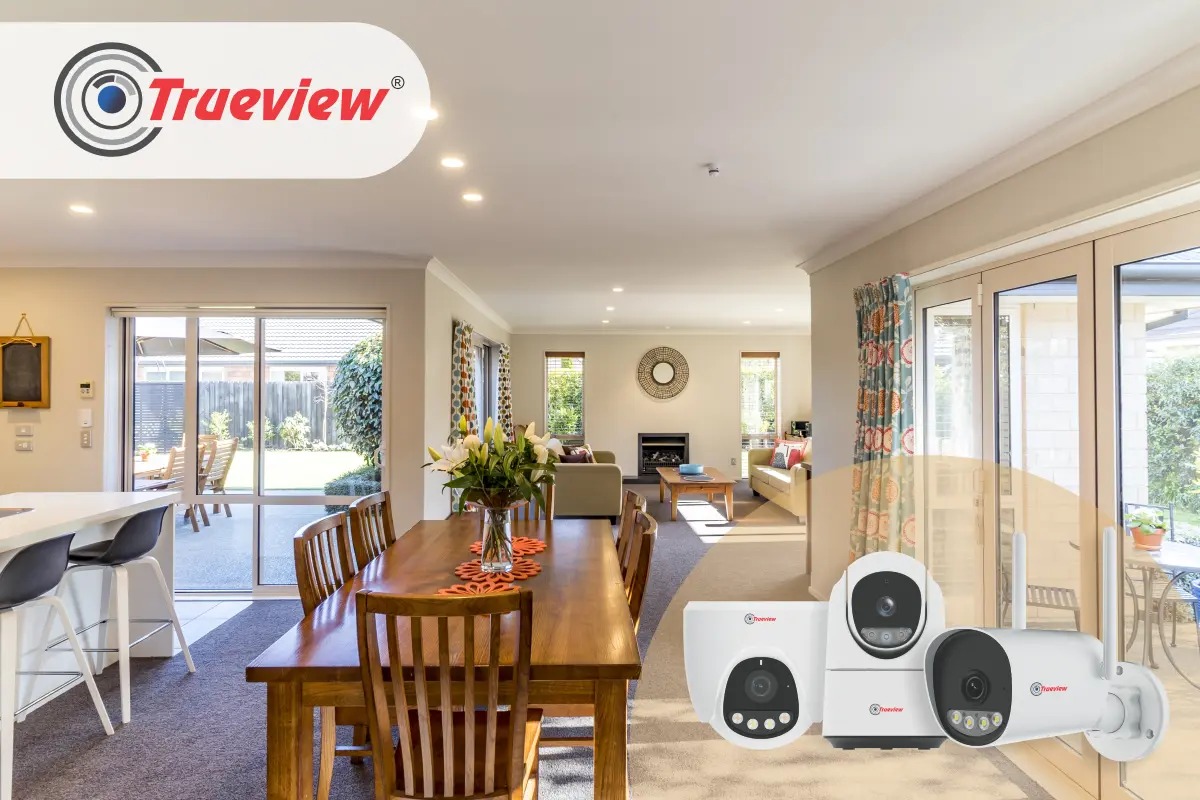
You hear a noise from your storage room at night. Was it just the wind? Did something fall? Or is someone inside your home? You get up nervously to check, wishing you could simply look at your phone to see what’s happening. Most homeowners focus security cameras on main entrances and outdoor areas. They forget about internal spaces where valuables are actually stored.
Your storage room contains expensive tools, electronics, seasonal items, and important documents. Your utility room has costly appliances and access points that intruders could exploit. These areas need protection too. Indoor cameras for home aren’t just about catching burglars.
They help you monitor what’s happening inside when you are away, check if you left appliances running, verify if household help accessed certain areas, and provide evidence if items go missing.
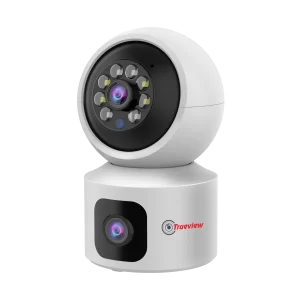
In this blog, we will talk about why storage and utility rooms need dedicated security, the benefits of indoor cameras for home, essential features for indoor monitoring, and how to choose the right Trueview Indoor Camera system for your home. Keep reading!
Why Storage and Utility Rooms Need Dedicated Security
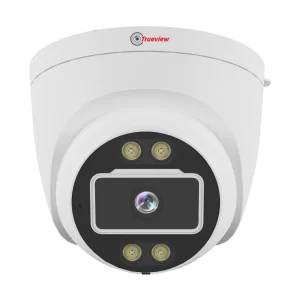
Most home security discussions focus on doors, windows, and outdoor perimeters. While these are important, internal spaces often contain more concentrated value and receive less attention.
What Makes these Areas Vulnerable
Storage rooms typically contain accumulated valuables. Old electronics, jewelry you don’t wear regularly, important documents, cash reserves, and expensive seasonal items all end up in storage. Burglars know this and often target these areas once inside.
Utility rooms house expensive appliances like water heaters, washing machines, and HVAC equipment. They also often contain fuse boxes and main water valves. Someone with bad intentions can cause significant damage or disruption by accessing these utilities.
These rooms are usually in less-trafficked areas of your home. Basements, back rooms, or separated sections where activity isn’t immediately noticed. This isolation makes them attractive targets.
Access isn’t always restricted. Family members, domestic help, maintenance workers, and guests might enter these areas. Without monitoring, you cannot verify who accessed what and when.
Common Security Incidents in Internal Spaces
Theft by household staff is, unfortunately, common. Domestic help with access to storage areas sometimes takes small items, believing they won’t be noticed immediately. By the time you realise something is missing, determining who took it becomes impossible without evidence.
Unauthorised access by visitors happens when guests or service workers enter areas they shouldn’t. Your electrician might access storage while supposedly only checking utility connections.
Internal break-ins occur when burglars enter through doors or windows and go straight to storage areas looking for concentrated valuables rather than picking through the entire house.
Accidental damage or negligence by household members can be expensive. Someone might leave a water tap running in the utility room or damage equipment. Without cameras, determining responsibility becomes difficult.
Why Outdoor Cameras Don’t Cover These Needs
Outdoor cameras tell you if someone entered your property or home, but they don’t show internal movement. Once an intruder is inside or if the threat comes from someone already authorised to be in your home, outdoor cameras provide no information.
You need internal visibility to truly secure your valuables and monitor household activities comprehensively.
Understanding Different Indoor Camera Options
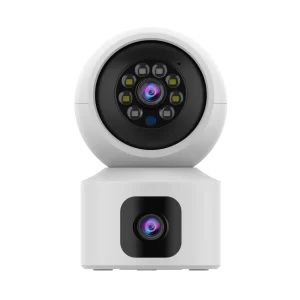
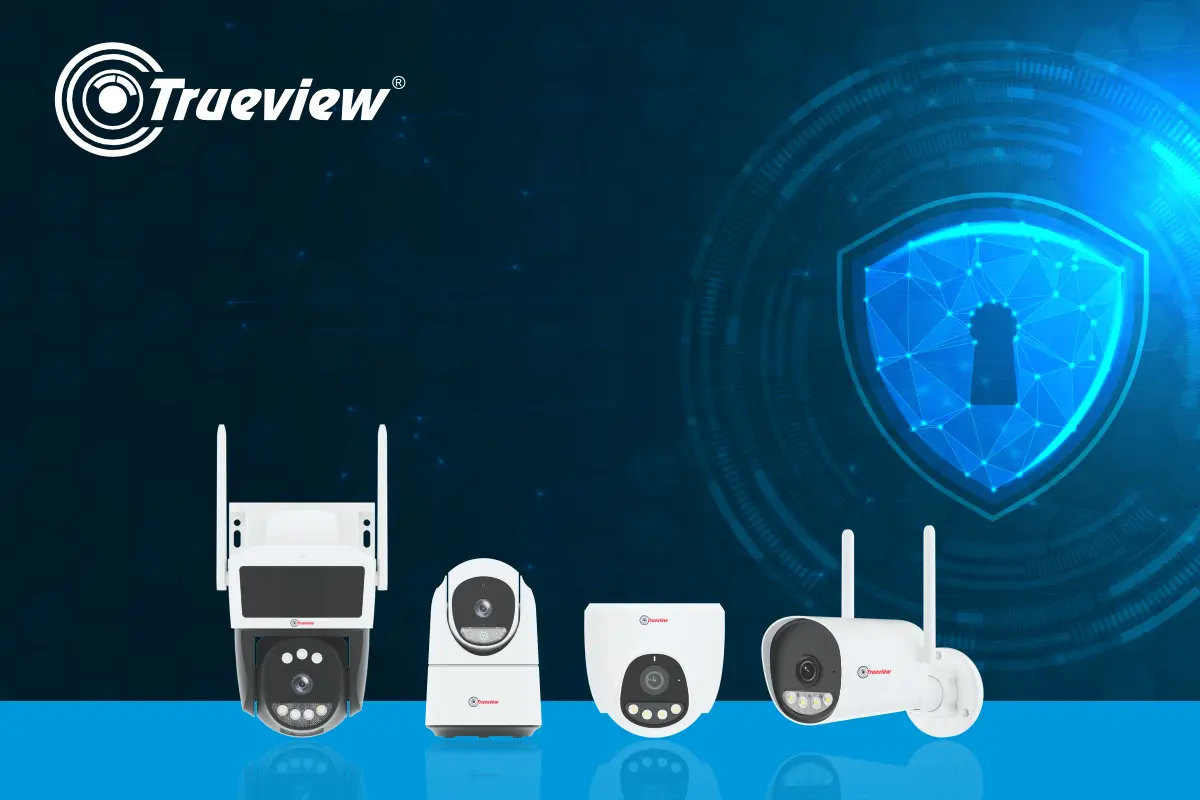
Trueview offers two primary connectivity options for indoor cameras, each suited to different needs and home setups.
WiFi Cameras for Stable Internet Homes
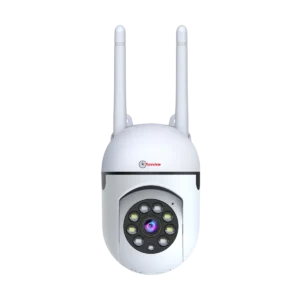
The best home WiFi camera connects to your home wireless network. Setup is simple, video quality is excellent, and you can access footage from anywhere through the internet.
WiFi cameras work perfectly when you have reliable broadband with good coverage throughout your home. Most modern homes meet this requirement.
These cameras offer high-resolution streaming, cloud storage options, and seamless integration with smartphone apps. They are ideal for living rooms, bedrooms, storage rooms, and utility areas within WiFi range. Power requirements are minimal. Most WiFi cameras use small adapters plugged into regular electrical sockets.
The limitation is WiFi dependency. If your internet goes down or your WiFi doesn’t reach certain areas, the camera cannot transmit footage. However, many models record locally to SD cards even when WiFi is unavailable.
4G/5G Cameras for Flexible Connectivity
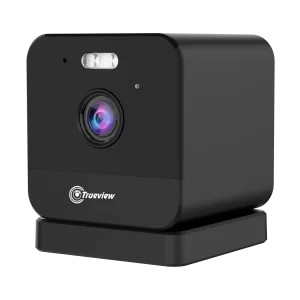
A CCTV camera with SIM card uses mobile network data instead of WiFi. This provides connectivity anywhere with mobile coverage, independent of your home internet.
These cameras are perfect for areas where the WiFi signal is weak or unavailable. Basements, detached storage buildings, or homes in areas with unreliable broadband benefit from 4G connectivity.
Setup involves inserting a SIM card with a data plan. The camera connects to mobile networks automatically. You access it through the same apps as WiFi cameras.
4G cameras also work as a backup when your home internet fails. Even if WiFi is down, monitoring continues through mobile data.
Data consumption is a consideration. Choose plans with adequate data limits. Most cameras use 2-10GB monthly, depending on usage, resolution settings, and whether you stream frequently or only receive motion alerts.
Choosing Between WiFi and 4G CCTV Camera Options
If your home has reliable WiFi covering all areas where you want cameras, WiFi models are simpler and have no monthly data costs.
If certain rooms have weak WiFi, you are installing cameras in detached buildings, or you want redundancy in casethe internet fails, 4G cameras make sense.
Many homeowners use a combination. WiFi cameras for well-connected areas and 4G cameras for problematic locations or critical monitoring points where connectivity cannot fail.
Installation and Setup Guide
Getting your indoor cameras for home operational is straightforward with proper planning.
Pre-Installation Planning
Map your rooms and mark where cameras should go. Consider power access, coverage angles, and mounting surfaces.
Check WiFi signal strength in areas where you plan WiFi cameras. Use your phone to verify good connectivity. Weak signals cause streaming issues.
Physical Installation Steps
Clean mounting surfaces before installing. Dust and grease prevent adhesive mounts from sticking properly.
Use provided templates when drilling holes. This ensures correct spacing and alignment.
Mount cameras at 7-8 feet height for optimal face capture while remaining out of easy reach.
Route power cables neatly along walls or behind furniture. Use cable clips to secure them.
For CCTV Camera with SIM Card, insert the SIM card before mounting. Accessing it after installation is difficult.
Network Configuration
Download the app before starting setup. Trueview Cameras use dedicated True Cloud App. Connect cameras to WiFi by following app instructions. This typically involves scanning QR codes or pressing WPS buttons.
For 4G cameras, ensure the SIM has adequate data balance and mobile data is enabled. Test connectivity by viewing live footage through the app from another room or outside your home.
Camera Settings Optimisation
Adjust motion detection sensitivity based on the room. High-traffic utility rooms may need lower sensitivity to prevent constant alerts. Storage rooms with minimal activity can use high sensitivity.
Configure recording modes. Continuous recording uses more storage but captures everything. Motion-triggered recording is efficient for low-activity areas.
Set up alert notifications. Choose which activities trigger phone alerts and customize quiet hours if desired.
Configure storage settings. Choose between local SD card, cloud storage, or both based on your preference.
Testing and Verification
Walk through monitored areas and verify motion detection triggers properly.
Test night vision by checking footage in darkness. Ensure infrared illumination provides clear images.
Verify two-way audio works clearly in both directions if this feature is important to you.
Check footage quality at different times of day to ensure consistent performance.
Takeaway
Outdoor perimeter security is important, but true protection requires monitoring what happens inside your home too. Storage and utility rooms contain concentrated value and provide intruders access to critical systems. Without internal cameras, you have blind spots that compromise your overall security.
Indoor cameras for home aren’t about paranoia or distrust. They are about accountability, evidence, and peace of mind. Whether you choose the best home WiFi camera or a CCTV camera with SIM card depends on your connectivity and needs, but having internal monitoring makes your home security complete.
Trueview indoor cameras for home are amazingly designed with appropriate features, reliable performance, and accessible pricing. They install easily, work consistently, and provide the visibility you need to truly know what happens in your home when you are not watching directly. Don’t leave valuable possessions and critical utilities unmonitored.
About Trueview

Trueview is a leading Indian manufacturer of advanced security and surveillance solutions, including CCTV Cameras, Dash Cameras, Digital Signage, Video Walls, All-in-one Computers, and more. With a focus on quality and reliability, we design products specifically for Indian conditions and requirements.
Every Trueview product is built to deliver consistent performance, easy usability, and long-term value. Trusted by individuals, businesses, and institutions across India, we keep innovating and offering solutions that enhance security and peace of mind.
Need more information or have any queries regarding our Indoor Cameras for home? Feel free to contact us directly. Our team is always happy to help you out!